POS Software Security in Pakistan: User Roles, Permissions and Protecting Your Sales Data
Discover how to protect your retail business from cash leaks, bill tampering, and accidental data loss. This guide explains role-based permissions, price override controls, profit confidentiality, and cloud backup strategies for Pakistani shop owners.

In this article
- The Three Silent Leaks at Your Cash Counter
- 1. Unauthorized Price Overrides
- 2. Unrestricted Bill Deletion and Post-Sale Voids
- 3. Open Visibility into Net Profit and Supplier Costs
- Designing a Granular User Access Matrix
- Recommended POS Permission Checklist
- Protecting Your Sales Data from Hardware Failure and Loss
- How CloudPOS Delivers POS Software Security in Pakistan
- Take Control of Your Store's Bottom Line
POS software security in Pakistan starts at the cash counter. For many retail store owners in Pakistan, the hardest part of stepping away from the cash counter is not trusting whether customers will walk in—it is trusting whether the till will balance at the end of the day. A busy Saturday evening at a garments boutique, pharmacy, or grocery mart often means rapid billing, multiple staff shifts, and hundreds of cash exchanges. When the owner is not physically sitting behind the counter, small discrepancies start to slip through: a deleted bill here, an unauthorized discount there, or a mysterious stock shortage that nobody can explain.
Internal retail shrinkage rarely happens through sophisticated cyberattacks. In Pakistani retail, security leaks happen right at the checkout counter through shared manager passwords, unrestricted billing access, and systems that let anyone edit a price tag or void a completed transaction. Implementing proper POS software security in Pakistan: user roles, permissions and protecting your sales data is the single most effective way to eliminate counter theft, prevent human error, and keep your commercial secrets safe.
The Three Silent Leaks at Your Cash Counter
When POS software is installed with a single "Admin" login that everyone uses, store owners inadvertently hand over complete operational control to counter helpers and temporary staff. In practical store operations, three specific security vulnerabilities cause the bulk of financial losses:
1. Unauthorized Price Overrides
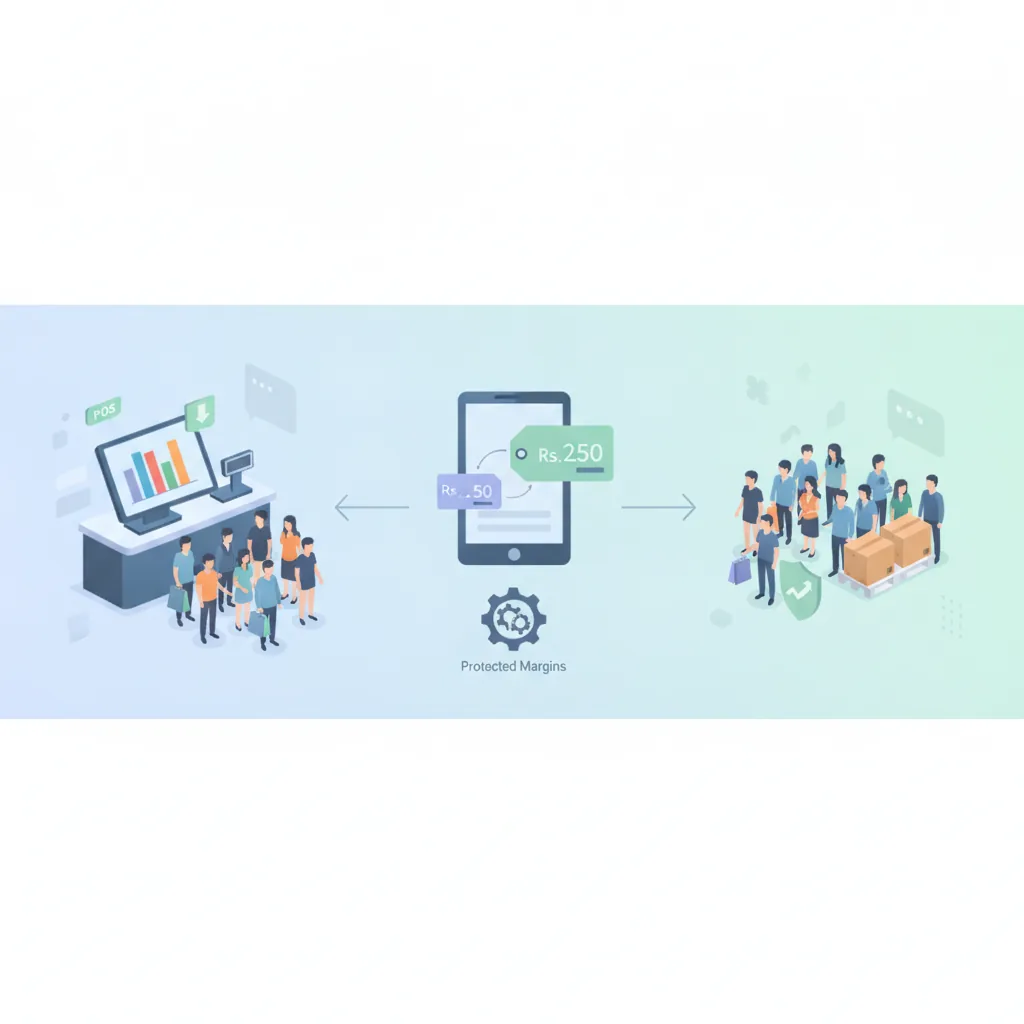
If your cashier can highlight an item priced at Rs. 2,500 and manually change the price to Rs. 1,800 on the checkout screen, your margins are entirely at their discretion. While retailers occasionally need to adjust prices for damaged packaging or clearance sales, this authority should never sit with frontline cashiers. Unrestricted price editing allows staff to offer unauthorized favors to acquaintances or charge the walk-in customer the full retail price while ringing up the reduced price in the system and pocketing the cash difference.
2. Unrestricted Bill Deletion and Post-Sale Voids
One of the oldest retail tricks involves printing an estimated receipt (or relying on a customer who does not ask for their slip), collecting cash, and then deleting or voiding the invoice immediately after the buyer walks away. If your system allows sales deletion without a supervisor PIN or manager override, that transaction simply vanishes from your records. The cash drawer appears balanced, but your inventory count is short and your daily takings are drained.
3. Open Visibility into Net Profit and Supplier Costs
Does your floor staff need to know that a pair of shoes you sell for Rs. 4,500 was purchased from the wholesale distributor for Rs. 1,800? Absolutely not. When cashiers and sales assistants have open access to cost sheets, markup margins, and monthly gross profit reports, confidential business data can easily leak to neighboring competitors. Furthermore, when staff observe healthy gross margins, they are more prone to offering casual, unauthorized discounts, assuming the business "can easily afford it."
Designing a Granular User Access Matrix
Securing your point of sale does not mean slowing down checkout lines with complicated roadblocks. Modern operational security relies on Role-Based Access Control (RBAC). By assigning each staff member a specific profile linked to their responsibilities, you grant them the tools they need to bill quickly while restricting sensitive administrative functions.
To manage user roles and permissions in a POS, give every staff member a role that matches their job and only the permissions that role needs. Here is how a well-structured role matrix operates in a growing Pakistani retail business:
- Cashier / Counter Staff: Can scan barcodes, search products, add items to the cart, select payment methods, issue standard receipts, and process loyalty points. They cannot edit retail prices, apply ad-hoc discounts above a preset limit, cancel printed receipts, view purchase costs, or access total business analytics.
- Floor / Shift Manager: Authorized to approve legitimate refunds, enter manual price adjustments with an accompanying reason note, sanction customer returns, and perform end-of-shift cash drawer reconciliations. Managers have visibility into branch-level stock, but restricted access to wholesale supplier ledgers and company-wide financial statements.
- Godown / Inventory Officer: Can log incoming purchase orders, record supplier deliveries, initiate branch stock transfers, and mark damaged goods. They have no access to cash drawer functions or sales profit metrics.
- Owner / Administrator: Complete, unrestricted access. Only the business owner or executive partners can set base pricing, view net profit margins, configure tax settings, alter user permissions, review system audit logs, and pull multi-branch performance analytics.
Recommended POS Permission Checklist
Review this permission checklist against your current checkout setup to identify operational gaps:
- Individual Cashier Logins: Does every counter worker have their own unique PIN or login, or is everyone operating under a shared default account?
- Lock Down Bill Deletion: Can a transaction be voided or removed after the receipt printer triggers without manager authorization?
- Controlled Discount Limits: Are counter discounts capped at a maximum percentage (e.g., 5%), requiring a supervisory override for higher markdowns?
- Hidden Purchase Prices: Are supplier buying rates completely hidden from the standard billing and item search screens?
- Tamper-Proof Shift Closings: Does the system enforce a "blind drop" where the cashier enters their physical cash count before the software reveals what the expected till amount should be?
- Audit Trail Logging: Does your software maintain an immutable digital log recording who processed each return, void, price adjustment, and drawer opening?
Protecting Your Sales Data from Hardware Failure and Loss
Internal controls handle human risk, but what protects your business from technical disasters? In Pakistan, unpredictable load shedding, voltage spikes, hardware theft, and local drive corruption represent serious risks to business continuity.
Relying on a local hard drive backup saved to an office PC or a counter USB drive is a gamble. If the hard drive burns during a power surge or the computer is stolen during a break-in, years of financial history, supplier debts, customer balances, and inventory data can disappear overnight.
To keep your retail records secure, your POS architecture must incorporate modern data protection standards:
- Automated Offsite Cloud Backups: Sales, receipts, and ledger updates should sync continuously to secure, redundant cloud servers. If your counter terminal breaks down, you can plug in a new laptop, tablet, or desktop, log in, and resume billing instantly without losing a single transaction.
- Dual-Server Redundancy: Professional platforms rely on live and replica server configurations. If the primary cloud server encounters an outage, traffic routes automatically to a mirrored server without business interruption.
- Two-Factor Authentication (2FA) and IP Allowlisting: Prevent unauthorized remote access to your business backend. By enabling two-factor authentication and restricting administrative login rights to approved IP addresses or verified devices, former employees cannot log in from home to download customer lists or alter financial figures.
- Offline Operational Continuity: Cloud architecture should not leave you stranded when your local broadband drops. A resilient POS allows cashiers to continue scanning and issuing receipts offline, caching the encrypted data locally and syncing automatically with the cloud the moment the connection restores.
How CloudPOS Delivers POS Software Security in Pakistan
CloudPOS is built specifically to address the daily operational vulnerabilities faced by Pakistani retailers, pharmacies, restaurants, and wholesalers. Rather than treating security as an afterthought, CloudPOS embeds access control and data integrity into everyday store workflows:
- Customizable Employee Management & Access Control: Create precise user roles that define exactly what your staff can see and do. Restrict price overrides, lock bill cancellation behind supervisor rights, and keep supplier costs and net profit completely hidden from front-desk staff.
- Comprehensive Audit Trails: Track every action taken on the system. From discounts and refunds to drawer openings and canceled items, CloudPOS maintains an audit trail showing which employee initiated the change and at what time.
- Enterprise-Grade Cloud Architecture: Protect your store records with a secure cloud infrastructure featuring live servers, replica servers, and automatic offsite backups. Your transactional history is preserved even in the event of hardware theft, accidental drive formatting, or sudden power surges.
- Secure Sync and Mobile Access: CloudPOS supports two-factor authentication, IP allowlisting, and end-to-end encryption. As an owner, you can monitor live sales, stock movements, and shift summaries securely from your smartphone using dedicated mobile apps—without ever having to share your administrative login with on-site staff.
- Hybrid Offline & Online Billing: Keep lines moving during internet downtimes. Cashiers continue checkout operations offline, and sales data syncs automatically to the central cloud once connectivity is restored.
For general background on how permissions are structured in business software, see this role-based access control overview.
Take Control of Your Store's Bottom Line
Every rupee lost to counter leakage, unrecorded discounts, or hardware crashes directly eats into your take-home profit. Running a successful retail business in Pakistan does not require you to stand over the cash register all day. It requires putting the right systems, clear user roles, and secure cloud backups in place so your store operates smoothly and honestly whether you are on the floor or miles away.
Ready to secure your cash counter, protect your profit margins, and gain total visibility over your daily sales? Book a free CloudPOS demo today and see how easy it is to set up rock-solid user permissions and automated data backups for your business.