How to Switch to a New POS in Pakistan: Data Migration, Staff Training and the First 30 Days
Switching your store's point of sale does not have to paralyze your business. Learn how to clean and migrate product and customer data, train counter staff without disruption, run parallel systems safely, and navigate the critical first 30 days.
In this article
- Phase 1: Master Data Migration (Without the Garbage)
- 1. Cleaning Your Product Catalog and Opening Stock
- 2. Migrating Customer Khata and Receivables
- Phase 2: Cashier and Counter Staff Training
- 1. Create a Sandbox Environment
- 2. Enforce Role-Based Access Controls
- Phase 3: The Safe Cutover (Parallel Run Strategy)
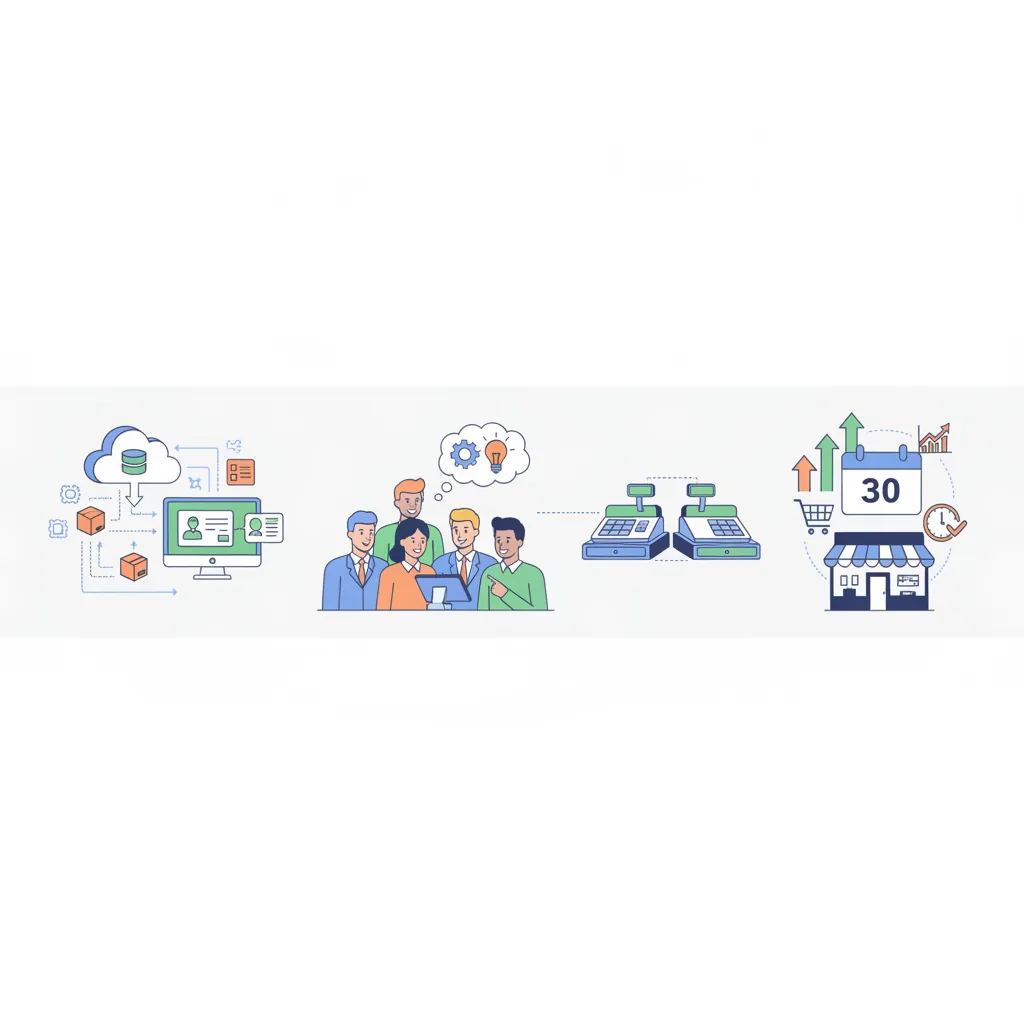
- The First 30 Days: Your Operational Transition Checklist
- How CloudPOS Helps You Switch to a New POS in Pakistan
- Moving Forward Without the Stress
Every growing shop owner in Pakistan eventually hits the ceiling of their first billing system, which is when it is time to switch to a new POS in Pakistan. Whether you are running a garment boutique in Lahore, a busy pharmacy in Karachi, or a supermarket in Islamabad, you likely recognize the warning signs: the old desktop software freezes during peak evening footfall, inventory counts never match physical godown stock, or your multi-counter setup cannot sync across branches.
Yet, retail business owners frequently delay upgrading for months—sometimes years. The hesitation rarely stems from software cost; it stems from operational anxiety. What happens if customer balances get wiped out during the transfer? What if cashiers panic when the Saturday night rush hits? What if opening stock numbers get corrupted, leaving you blind to stock shrinkage?
Switching your point of sale does feel risky, but staying chained to a sluggish, fragmented legacy tool quietly bleeds profits every day. When approached systematically, migrating your point of sale does not require shutting your doors or risking transaction loss. This practical playbook breaks down how to clean and migrate your master data, train your staff effectively, and manage the critical first 30 days with confidence.
Phase 1: Master Data Migration (Without the Garbage)
The single biggest mistake retailers make during a POS switch is copying everything blindly from their old system into the new one. Over years of manual billing, legacy databases accumulate duplicate barcodes, discontinued stock lines, misspelled vendor names, and untracked customer profiles.
A software migration is the best opportunity you will have to sanitize your master records. Approach data migration in three disciplined steps:
1. Cleaning Your Product Catalog and Opening Stock
Export your current item master into a standardized spreadsheet (CSV or Excel). Before feeding it into your new POS, run a cleansing audit:
- Standardize Barcodes and SKUs: Ensure every item has a unique primary identifier. If you sell loose garments or unbranded accessories, establish a consistent numbering convention (e.g., CAT-ITEM-SIZE).
- Purge Obsolete SKUs: If an item has seen zero sales for 18 months and holds zero physical stock, archive it rather than cluttering your new register.
- Separate Cost Price and Retail Price: Verify that wholesale cost prices reflect current replacement costs so your gross margin reports stay accurate from day one.
- Conduct a Clean Physical Count: Never import historical book inventory. Perform a physical shelf audit the night before go-live so your new system begins with 100% verified opening quantities.
2. Migrating Customer Khata and Receivables
In Pakistan, customer relationships rely heavily on credit balances (Khata) and recurring customer loyalty. Losing ledger accuracy destroys trust instantly.
Export your customer profiles with clear, standardized mobile phone numbers (using the standard 03XX-XXXXXXX format to enable SMS receipts and WhatsApp follow-ups). Split balances into verified opening receivables and record active credit limits. Have your accountant sign off on customer ledger totals before uploading them.
Phase 2: Cashier and Counter Staff Training
Even the most advanced retail software will fail if your counter staff resents it. Front-line cashiers in Pakistan often range in technical comfort, and anxiety over slowing down queues can lead to immediate resistance. Counter staff training must focus on muscle memory, not software theory.
Staff should not be trained on every back-office setting. Cashiers only need mastery over three recurring workflows: fast checkout, processing exchanges, and daily cash drawer reconciliation.
1. Create a Sandbox Environment
Never train cashiers on a live database during trading hours. Ask your software provider to set up a dummy demo account. Load 50 sample products and let your staff scan items, test split payments (such as cash plus card or mobile wallet), issue test discounts, and void incorrect lines. When cashiers realize that clicking the wrong button will not crash the counter or trigger disciplinary action, their confidence climbs rapidly.
2. Enforce Role-Based Access Controls
Protect your staff and your business by configuring strict user permission tiers prior to launch:
- Cashiers: Restricted strictly to billing, barcode scanning, applying pre-approved discounts, and viewing basic receipt summaries.
- Store Supervisors: Authorized to approve invoice cancellations, manual price overrides, returns, and cash pay-outs.
- Business Owners & General Managers: Exclusive access to vendor purchase costs, master profit reports, staff attendance logs, and accounting ledger exports.
Phase 3: The Safe Cutover (Parallel Run Strategy)
Should you switch systems overnight, or run both in parallel? For most independent retailers and high-volume grocery or garment outlets, a sudden "cold-turkey" switch on a busy Friday evening invites chaos.
The safest path is a short, structured 3 to 5-day parallel run:
- Select a Low-Volume Period: Initiate your transition on a Monday or Tuesday morning, avoiding festival seasons, long weekends, or monthend paydays.
- Designate a Primary and Shadow Counter: If you operate two checkout tills, designate one till to run exclusively on the new POS while keeping the second till on the legacy software as a safety net.
- Daily Shift Reconciliation: At the close of each business day, compare total cash drawer collections, digital payment receipts, and itemized sales summaries between both terminals. Any discrepancy will highlight staff scanning oversights or tax setting mismatches before they cascade.
The First 30 Days: Your Operational Transition Checklist
Once you switch off the old terminal completely, operational vigilance over the first month determines long-term success. Save and follow this week-by-week implementation schedule:
- Week 1 (Counter Stabilization):
- Audit end-of-day shift closing sheets daily to verify cash drawer balances against reported system revenue.
- Monitor checkout speed during peak afternoon and evening hours to identify any cashier bottlenecks.
- Verify receipt printing templates, including tax registration numbers, return policies, and branch addresses.
- Week 2 (Inventory and Stock Intakes):
- Record all incoming supplier purchase orders directly through the new system's inventory procurement module.
- Conduct spot cycle counts on top 20 fast-moving items to ensure stock deductions match scanned quantities.
- Configure automated smart low-stock thresholds so the system flags reorders before shelves run empty.
- Week 3 (Customer & Multi-Branch Validation):
- Verify customer purchase histories and ensure ledger repayments reflect accurately in khata accounts.
- If managing multiple branches, verify that inter-store stock transfers reflect in real time across warehouse dashboards.
- Log into your mobile owner app to confirm sales and gross margins can be tracked remotely without calling store managers.
- Week 4 (Full Operational Decommissioning):
- Export an offline archival backup of your old software database for historical tax and accounting reference.
- Decommission the old software license or legacy counter PC.
- Review your first complete monthly profit-and-loss and category performance analytics report.
How CloudPOS Helps You Switch to a New POS in Pakistan
Migrating to a modern system should lighten your operational workload, not compound it. CloudPOS is engineered specifically for Pakistani retail, wholesale, and service businesses, making system migration fast, stable, and secure.
Here is how CloudPOS removes friction throughout your transition:
- Hassle-Free Bulk Import: Move thousands of SKUs, complex barcode sets, customer balances, and supplier details using clean Excel/CSV templates with dedicated technical onboarding support.
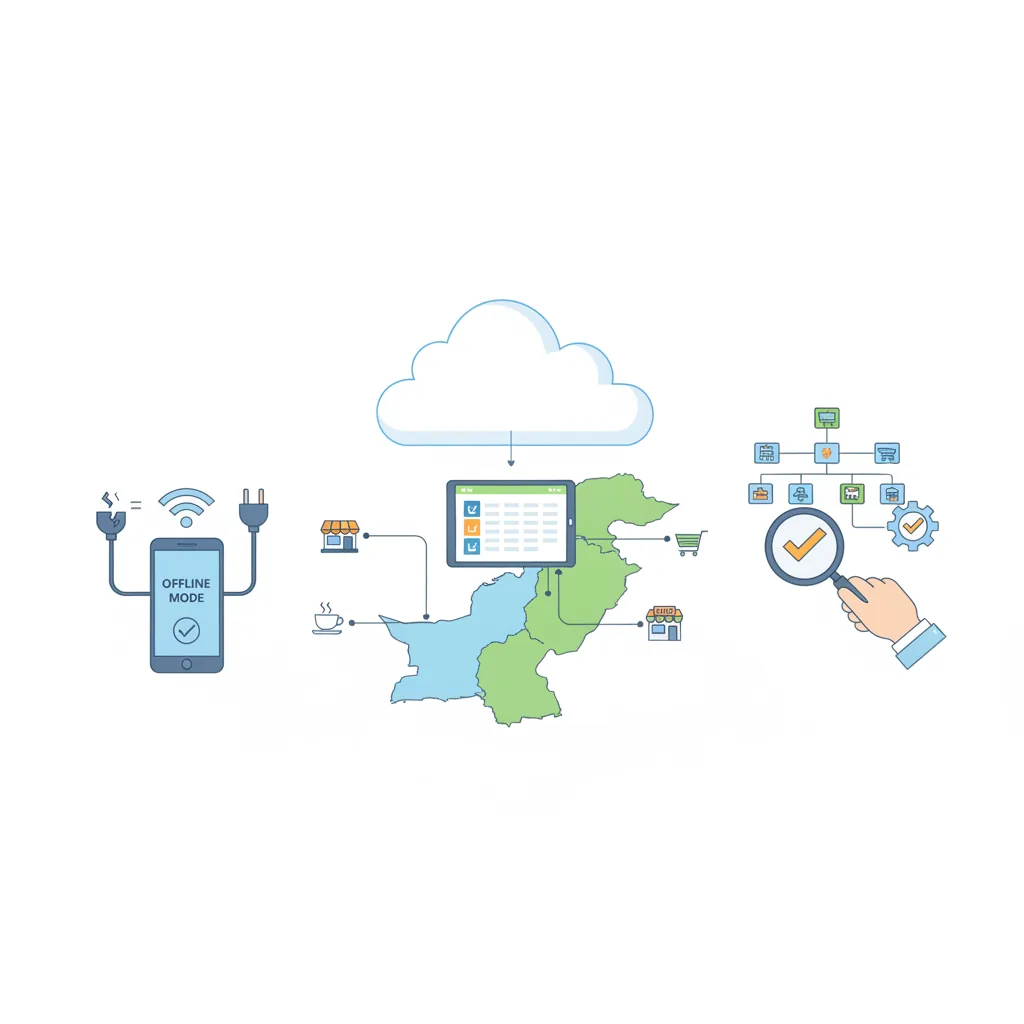
- Zero-Downtime Offline Billing: Internet instability and load-shedding should never halt your checkout line. CloudPOS operates seamlessly online and offline; cashiers can continue barcode scanning and cash billing uninterrupted, with sales data automatically syncing to the secure cloud once connectivity resumes.
- Granular Staff Access Controls: Protect counter integrity with customized cashier permissions, shift-wise cash drawer tracking, and staff sales monitoring, preventing unauthorized voids or unauthorized ledger edits.
- Multi-Store and Mobile Visibility: Manage single outlets or expand into multi-store operations from a single dashboard. Track live counter performance, gross profits, and inventory movement across branches through dedicated mobile apps wherever you are.
- Automated Stock Intelligence: Take the guesswork out of replenishment with real-time stock alerts and AI-powered ERP modules for procurement and customer relationship management.
- Built-In Compliance: Maintain hassle-free digital invoicing and local tax readiness, including standard FBR integration options, alongside digital payments.
For general background on moving records between systems, see this data migration overview.
Moving Forward Without the Stress
Switching POS software is not merely a technical update; it is an operational milestone. When you leave behind cumbersome desktop databases and fragmented spreadsheets, you eliminate counter bottlenecks, plug hidden inventory leaks, and gain real clarity on your daily earnings.
By preparing clean master data, preparing cashiers with simple role-based workflows, and sticking to a 30-day checklist, your transition can be smooth, predictable, and immediately rewarding. Take control of your store's future today: speak to an implementation specialist and book a free CloudPOS demo to see how seamless your retail operations can be.