POS Software Features Checklist: 8 Must-Haves Before You Buy in Pakistan
Choosing the right point of sale system requires evaluating real-world retail demands rather than sales pitches. Use this 8-point POS software features checklist to audit offline billing, inventory controls, multi-branch visibility, and mobile management before making your decision.
In this article
- Why Traditional Software Fails Pakistani Counter Operations
- The 8-Point POS Software Features Checklist
- 1. True Offline-First Billing Architecture
- 2. Real-Time Inventory Control with Smart Low-Stock Alerts
- 3. Granular User Roles and Staff Access Controls
- 4. Customer Relationship Management & Purchase History
- 5. Centralized Multi-Branch and Warehouse Management
- 6. Dedicated Mobile Apps and Remote Visibility
- 7. Multi-Device and Hardware Agility
- 8. Native ERP Capabilities, Integrations & Compliance
- POS System Evaluation Scorecard
- How CloudPOS Fits This Checklist
- Make Your Decision with Confidence
When you sit through a point of sale demonstration, every vendor promises the world. The screens look sleek, the sample barcode scans instantly, and the sales representative assures you that their system will effortlessly run your retail store, restaurant, pharmacy, or wholesale shop. Yet months after signing a contract, hundreds of Pakistani merchants discover that their shiny new software crashes when the internet buffers, leaks revenue through untracked cashier discounts, or scrambles stock counts across multiple locations. A clear POS software features checklist helps you spot these problems before you pay.
Choosing retail software is not about finding the system with the longest list of obscure buttons. It is about verifying whether the software can withstand the everyday operational realities of doing business in Pakistan. To make an objective decision and avoid costly migrations later, use this practical POS software features checklist to audit any system before signing a contract or paying an onboarding fee.
Why Traditional Software Fails Pakistani Counter Operations
Operating a counter in Karachi, Lahore, Faisalabad, Rawalpindi, or Gujrat brings challenges that generic global software rarely accounts for. According to payment system data published by the State Bank of Pakistan, retail digital transactions are accelerating rapidly, putting more pressure on cash counters to handle diverse payment modes and rapid throughput without bottlenecks.
At the same time, shopkeepers must contend with intermittent broadband connectivity, abrupt power interruptions, variable product units (loose weight, piece-to-carton packing, IMEI tracking, or batch expiries), and informal customer credit balances. If your software requires an active internet connection just to click "Print Receipt" or lacks permissions to prevent staff from altering historical records, your business remains exposed to revenue leakage and long checkout queues.
The 8-Point POS Software Features Checklist
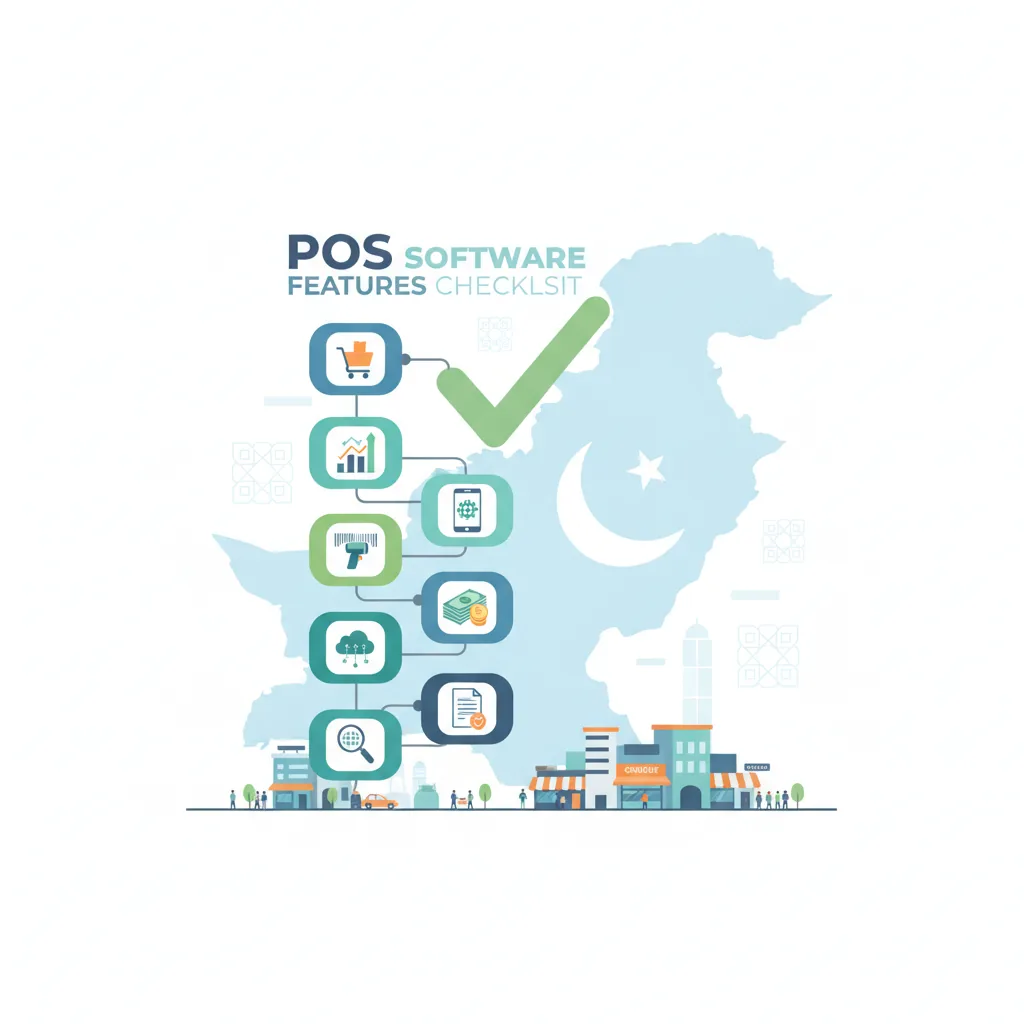
Before you commit to a platform, evaluate candidate systems against these eight functional capabilities:
1. True Offline-First Billing Architecture
An uninterrupted checkout line is the lifeblood of your store. Internet service drops and load-shedding switches happen without warning. If your software relies entirely on an active browser session with an external server, your counter halts the moment the router disconnects.
- Uninterrupted counter sales: Cashiers must be able to scan barcodes, apply discounts, accept cash, and print receipts even with zero internet connectivity.
- Automatic background sync: When connectivity returns, the local terminal must automatically upload cached transaction records to the cloud database without manual data exports or double-entry mistakes.
- Offline hardware continuity: Receipt printers and cash drawers must trigger locally without depending on cloud webhooks.
2. Real-Time Inventory Control with Smart Low-Stock Alerts
A POS system that only records cash without accurately updating your backroom stock is little more than an electronic calculator. Your software must act as an active inventory monitor that protects your working capital.
- Instant stock deduction: Stock counts must drop in real time the moment a sale is finalized across any register or digital channel.
- Automated minimum threshold alerts: The system should flag when fast-moving items reach reorder levels, giving your procurement team enough lead time before shelves sit empty.
- Industry-specific inventory tracking: Depending on your trade, verify whether the software natively supports product variants (size and color for apparel), batch numbers and expiry tracking (for medical stores and pharmacies), or IMEI and serial logging (for mobile and electronics shops).
3. Granular User Roles and Staff Access Controls
Internal shrinkage and cashier manipulation represent major profit leaks in retail. Your POS must allow you to assign strict, individualized privileges based on an employee's job responsibilities.
- Restricted price overrides: Cashiers should not be able to change selling prices, apply custom discounts, or delete bill lines without manager authorization or PIN approval.
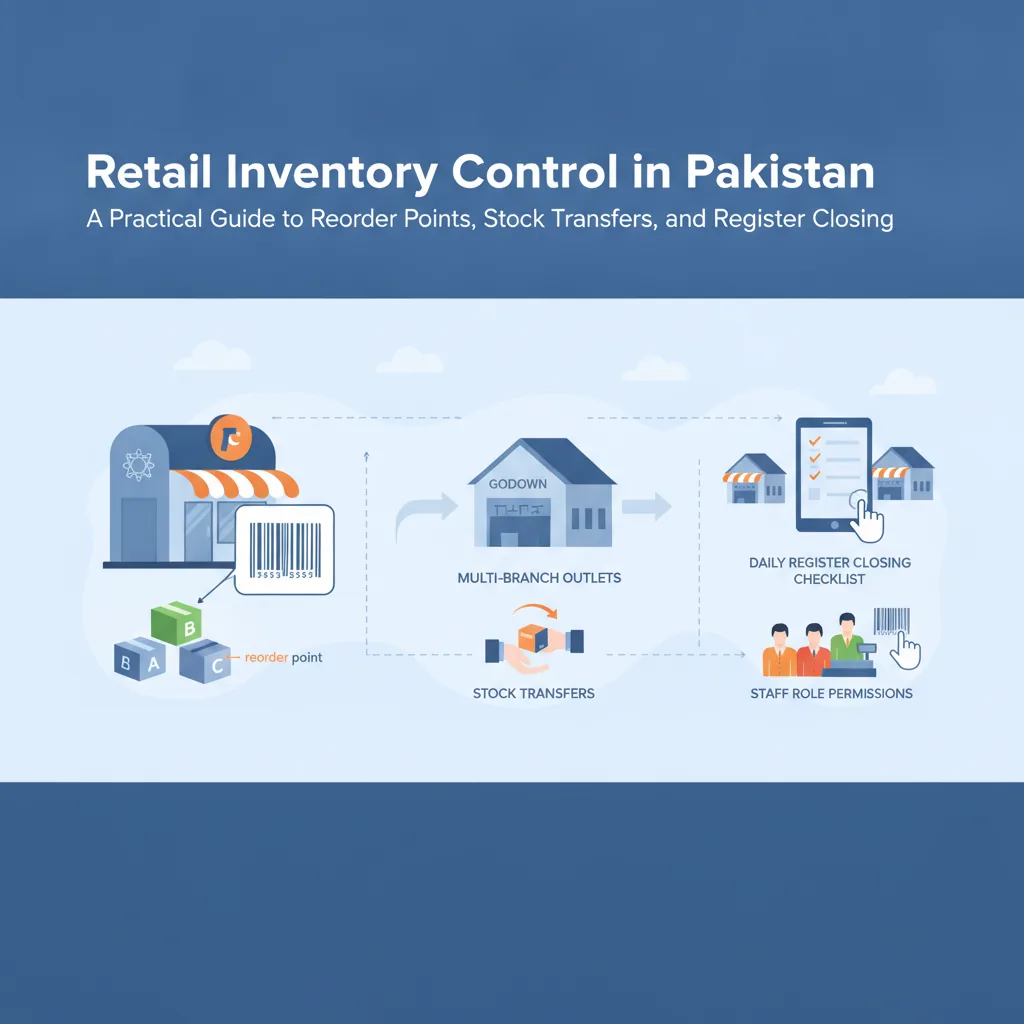
- Secure shift reconciliations: Blind end-of-day register closing (Z-reports) forces cashiers to declare counted cash before the software reveals expected totals, catching discrepancies immediately.
- Activity logs and attendance: An audit trail must log every voided transaction, reprint, and cash drawer opening alongside staff attendance records.
4. Customer Relationship Management & Purchase History
Acquiring new shoppers costs significantly more than retaining existing ones. A capable POS system turns basic checkout interactions into actionable customer profiles.
- Phone-number lookup: Cashiers should quickly look up returning patrons by phone number to view transaction histories, preferred items, and accrued loyalty balances.
- Customer credit management: For shops that extend informal credit terms, the system must keep a clear ledger of balances, repayments, and outstanding receivables.
- Targeted marketing visibility: Identifying high-value customers allows you to introduce targeted promotions and personalized follow-ups.
5. Centralized Multi-Branch and Warehouse Management
If you plan to scale beyond your primary shop, managing multiple branches through disconnected spreadsheets creates operational blind spots. Your software should support multi-store operations natively from day one.
- Single account oversight: View consolidated revenue, branch-specific gross margins, and aggregate inventory levels from one master account.
- Inter-store stock transfers: Move items between godowns and retail outlets using structured transfer notes, preventing goods from vanishing in transit.
- Standardized master catalog: Update a product's price or description once at headquarters and push the change to all branches instantly.
6. Dedicated Mobile Apps and Remote Visibility
Modern business owners cannot afford to be chained to the physical checkout counter seven days a week. You need full visibility into daily shop performance wherever you are.
- Executive mobile dashboards: Native smartphone apps (iOS and Android) that show live sales figures, gross profit trends, and register closing totals in real time.
- Remote stock checks: The ability to verify whether a particular item is available in your central warehouse while speaking to a wholesale client or supplier offsite.
- Instant push notifications: Immediate alerts when cash registers close or when low-stock thresholds are triggered.
7. Multi-Device and Hardware Agility
Beware of software vendors that force you to buy expensive proprietary touchscreen terminals. Proprietary equipment is difficult to repair locally and costly to replace when parts wear out.
- Standard hardware compatibility: The POS software should integrate effortlessly with standard USB, Bluetooth, and network thermal receipt printers (58mm and 80mm), handheld laser barcode scanners, and electronic cash drawers.
- Cross-platform operation: The interface should run smoothly across desktop PCs, laptops, Android tablets, iPads, and mobile phones.
8. Native ERP Capabilities, Integrations & Compliance
As sales grow, counter software must feed your broader business operations rather than creating data silos.
- AI-powered ERP workflows: Integration with procurement, double-entry financial reporting, profit-and-loss tracking, and CRM functions keeps accounting aligned with daily retail activity.
- Omnichannel and courier integration: Direct bridges to eCommerce platforms and delivery services ensure in-store and online inventories stay synchronized.
- Regulatory readiness: The system must handle local sales tax structures, provincial invoices, and mandatory digital tax integrations (such as FBR fiscalization requirements for Tier-1 retailers) cleanly without breaking day-to-day cashier speed.
POS System Evaluation Scorecard
Save or print this quick scoring sheet when evaluating vendor demos. Rate each capability from 1 (poor or missing) to 5 (robust and fully built-in):
- [ ] Offline Continuity: Can the counter ring up sales and print receipts when the internet cable is unplugged?
- [ ] Stock Deductions & Alerts: Does inventory update immediately with automated low-stock warnings?
- [ ] Cashier Access Controls: Are discounts, refunds, and price edits locked behind manager permissions?
- [ ] Shift Auditing: Does the system support blind register closing and daily cash variance reports?
- [ ] Multi-Branch Control: Can you view and manage separate branches and warehouses from one master login?
- [ ] Mobile Reporting App: Can you check daily sales, profits, and stock from a smartphone away from the shop?
- [ ] Hardware Flexibility: Does it work with standard barcode scanners, thermal printers, and desktop/tablet devices?
- [ ] Advanced Management (ERP & Taxes): Does it provide deeper financial tracking, supplier procurement, and compliant digital invoicing?
How CloudPOS Fits This Checklist
CloudPOS was built specifically to solve the infrastructural and operational hurdles Pakistani merchants face every day. Rather than forcing your business to adapt to rigid overseas software or outdated offline desktop programs, CloudPOS brings enterprise-grade technology into a practical, easy-to-use cloud platform.
Here is how CloudPOS checks off every core requirement on your evaluation list:
- Seamless Online and Offline Billing: CloudPOS ensures your cash counter never freezes. Even if your internet connection fails entirely, cashiers continue scanning barcodes, processing returns, and printing receipts. The system automatically syncs every offline transaction to the cloud once connectivity resumes.
- Intelligent Inventory & Low-Stock Alerts: Real-time tracking continuously monitors stock balances across all product categories. Automated smart alerts notify you before popular items run out, helping you protect counter margins.
- Enterprise-Grade Employee Controls: Protect your store from shrinkage with comprehensive staff management. Set individual permissions for discounts, bill edits, and refunds, while tracking staff sales performance and counter attendance.
- True Multi-Store Scalability: Manage multiple branches and godowns from a single central account. Monitor branch revenues, execute inter-store stock transfers, and standardize inventory pricing from anywhere.
- Dedicated Mobile Apps for Remote Oversight: Stay in complete control of your enterprise on the go. CloudPOS provides dedicated mobile applications that deliver live sales dashboards, inventory views, and team activity directly to your smartphone.
- AI-Powered ERP & Comprehensive Integrations: Beyond counter billing, CloudPOS incorporates an AI-powered ERP that combines finance, CRM, and procurement workflows. It integrates smoothly with courier services, eCommerce platforms, and government tax systems (including full FBR-compliant digital invoicing for registered retailers).
- Hardware and Industry Flexibility: Operating across desktop, tablet, and mobile screens, CloudPOS serves grocery stores, pharmacies, garment boutiques, mobile shops (with IMEI tracking), restaurants, bakeries, salons, and wholesale businesses across the country.
Make Your Decision with Confidence
A point of sale system is the operational central nervous system of your business. Committing to software without systematically testing its offline durability, security controls, and inventory accuracy often leads to costly disruptions and counter confusion. Run candidate software through real-world counter scenarios before signing any contract.
Ready to see how an intuitive, full-featured cloud POS platform can streamline your store operations and give you complete control over your inventory? Contact the Gujrat team at +92 309 308 9999 or book a free CloudPOS demo today to experience seamless retail billing firsthand.