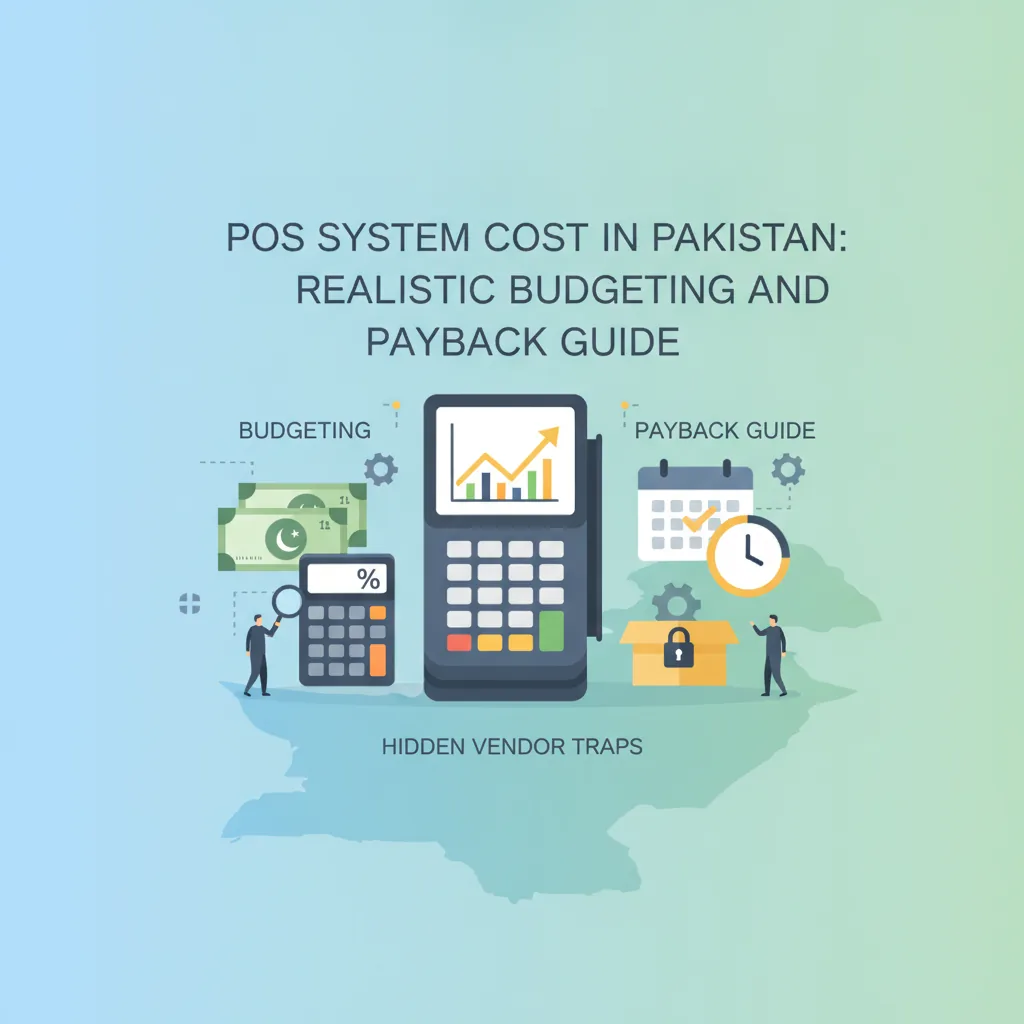
POS System Cost in Pakistan: Realistic Budgeting and Payback Guide
Wondering whether a point of sale system is worth the investment? Discover the true components of POS system cost in Pakistan, uncover hidden vendor traps, and use our practical framework to calculate your store's payback period.
In this article
- The 3 Budget Pillars of POS System Cost in Pakistan
- 1. POS Software (Subscription vs. One-Time License)
- 2. POS Hardware Essentials
- 3. Consumables and Connectivity
- The Hidden Costs That Bleed Traditional Setups
- How to Calculate Your Store's Payback Period (ROI)
- Step 1: Quantify Cashier and Billing Discrepancies
- Step 2: Calculate Inventory Shrinkage Recovery
- Step 3: Uncover Locked Capital in Stagnant Stock
- Step 4: Total Your Monthly Financial Recovery
- Checklist: Questions to Ask Before Finalizing Your POS Budget
- How CloudPOS Protects Your Budget and Maximizes ROI
- Make an Informed Business Investment
POS system cost in Pakistan is the first question most buyers ask before they commit. For most independent shop owners, supermarket operators, and pharmacy managers across Pakistan, deciding to buy point-of-sale software rarely comes down to whether modern tools are useful. Everyone understands that scanning a barcode is faster than flipping through a physical ledger.
The real hesitation almost always revolves around capital: "How much is this actually going to cost my business, and will I ever see that money back?"
When retail margins are tight and utility expenses remain high, viewing a POS system as an unnecessary overhead is an understandable reaction. Many vendors do not help the situation—either by masking the total expense behind vague quotes or promoting "cheap one-time licenses" that hide substantial recurring costs down the road. To make a sound financial decision, you must evaluate the complete picture of POS system cost in Pakistan, separate genuine value from hidden traps, and calculate exactly how quickly the system will pay for itself.
The 3 Budget Pillars of POS System Cost in Pakistan
When calculating what you need to get up and running, break your initial financial outlay into three distinct buckets: software, hardware, and recurring operational consumables.
1. POS Software (Subscription vs. One-Time License)
Software models in Pakistan generally fall into two categories (our guide to one-time license vs subscription POS explains the difference in more detail):
- One-time local licenses: You pay an upfront software fee to have an executable file installed on a local counter PC. While marketed as a "lifetime purchase," these offline-only programs often freeze your business in time, lack automatic offsite data protection, and charge separately for minor bug fixes or support visits.
- Cloud subscriptions: You pay an affordable, predictable monthly or annual operating fee. The software provider manages cloud servers, data encryption, automatic offsite backups, and feature improvements. Because updates happen centrally, you never have to pay a technician to reinstall your system after an operating system patch.
2. POS Hardware Essentials
Hardware is where many Pakistani retailers overspend unnecessarily. Unless you are running an upscale flagship outlet with custom touch kiosks, you do not need imported, enterprise-grade POS terminals. A dependable counter setup typically includes:
- Display/Computing device: An existing Windows desktop, a refurbished commercial PC, or a modern Android tablet.
- Thermal receipt printer: An 80mm or 58mm thermal USB/LAN printer (thermal printers use heat, meaning zero recurring ink or ribbon costs).
- Barcode scanner: A reliable wired or wireless 1D/2D laser scanner to capture product barcodes quickly.
- Cash drawer: A heavy-duty steel cash box connected via RJ11 to your printer for automatic pop-open functionality during cash settlements.
For most single-counter grocers, boutiques, or pharmacies, standard, reliable hardware components can easily be assembled for between PKR 45,000 and PKR 85,000.
3. Consumables and Connectivity
Factor in minor running expenses: thermal paper rolls (readily available in bulk across wholesale paper markets in Lahore, Karachi, and Rawalpindi) and a reliable primary internet connection paired with a basic 4G mobile hotspot for backup.
The Hidden Costs That Bleed Traditional Setups
Budgeting is not just about the invoice you pay on day one. Our breakdown of the hidden costs of POS software in Pakistan shows more examples. Business owners frequently choose "cheap" local software or stick to handwritten counter pads, unaware of the silent financial drain taking place every day.
The cheapest software on paper is often the most expensive system in practice when a single hard-drive crash wipes out your entire customer ledger and receivables history.
Before opting for an unverified local software disc or staying manual, account for these common financial leaks:
- Unbilled cashier discrepancies: During peak evening rush hours, manual cash calculations lead to undercharging, unrecorded discounts for acquaintances, or untracked till shortages.
- Godown shrinkage: Without individual item tracking and audit logs, inventory "evaporates" between the stock room and the shelf. Retail industry analyses consistently show that unmonitored retail stores lose between 1.5% and 3% of gross turnover to untracked shrinkage and employee theft.
- Dead working capital: Storing boxes of slow-moving items because you do not know your real sales velocity ties up vital cash that should be funding fast-moving inventory.
- Local server maintenance contracts: An on-premise system requires manual backups to flash drives, antivirus updates, and paid on-site technician callouts whenever Windows crashes.
How to Calculate Your Store's Payback Period (ROI)
A point-of-sale system should not be treated as a decorative expense. It is an operational tool that must generate a measurable return. You can easily calculate your store's payback period using a simple four-step audit of your monthly leaks.
Step 1: Quantify Cashier and Billing Discrepancies
Assume your store handles 120 transactions a day with an average basket value of PKR 1,800. If manual arithmetic errors, rounded-down change, or untracked till variances cost your counter just PKR 350 per day, you are losing PKR 10,500 every month directly off your bottom line.
Step 2: Calculate Inventory Shrinkage Recovery
If your retail business maintains an average active inventory of PKR 2,500,000, reducing your annual shrinkage by a conservative 1% through strict stock audits and user-permission controls saves PKR 25,000 per month.
Step 3: Uncover Locked Capital in Stagnant Stock
Automated sales velocity reports instantly highlight the bottom 15% of your inventory that hasn't moved in 60 days. Liquidating or returning even PKR 100,000 worth of dead stock back into active supplier rotation releases immediate liquidity back into your bank account.
Step 4: Total Your Monthly Financial Recovery
Combine your monthly savings:
- Billing error recovery: PKR 10,500
- Shrinkage prevention: PKR 25,000
- Stock optimization & labor time saved: ~PKR 15,000
- Total monthly retained earnings: PKR 50,500
If your complete hardware setup and first-year software subscription require a total upfront investment of PKR 100,000 to PKR 120,000, the entire system pays for itself in less than 75 to 90 days. Everything saved after month three represents pure margin protection.
Checklist: Questions to Ask Before Finalizing Your POS Budget
Save this checklist before signing any contract or purchasing hardware from an equipment vendor:
- Does the software work offline? If your shop loses broadband connectivity during peak hours, can staff keep scanning and printing receipts without interruption?
- Are offsite cloud backups included? If a counter terminal burns out or gets stolen, is your financial data safe on a remote replica server, or are you dependent on a USB drive?
- Can you run the system on non-proprietary hardware? Are you locked into buying custom screens from the software vendor, or can you use everyday PCs, tablets, and commercial printers?
- What does technical support cost? Is customer support bundled into the service, or will you receive a separate invoice every time you call for assistance?
- Does it track staff permissions? Can cashiers process refunds, delete invoice lines, or apply custom discounts without manager authorization?
- Can you monitor the business remotely? Can you view branch sales, inventory alerts, and daily margin summaries on your phone when away from the counter?
If your business is registered with FBR, also check the latest POS integration requirements on the official FBR website before you finalise your budget, because they can change what your software must support.
How CloudPOS Protects Your Budget and Maximizes ROI
Investing in retail software should eliminate uncertainty, not introduce unexpected overhead. CloudPOS is engineered specifically for Pakistani business dynamics, giving grocery stores, pharmacies, apparel retailers, wholesalers, and multi-branch brands total operational control without bloated deployment costs.
Here is how CloudPOS delivers immediate return on your investment:
- Zero Hardware Lock-In: CloudPOS runs seamlessly across standard desktop computers, laptops, tablets, and smartphones. You do not need to replace your working counter hardware with expensive proprietary machines.
- True Hybrid Offline Billing: Internet downtime or local network drops will never stop your cash counter. Billing continues offline without interruption, and your transaction records sync automatically to the cloud the moment connectivity returns.
- Real-Time Inventory and Low-Stock Alerts: Eliminate both stockouts and over-ordering. Smart alerts notify you when essential SKUs hit minimum thresholds, preventing your capital from getting stuck in slow-moving merchandise.
- Employee Management & Access Control: Tighten register security by setting custom permission levels. Prevent unauthorized discounts, backdated invoice edits, or unapproved returns that quietly erode profit margins.
- Multi-Store Oversight from One Account: If you run multiple outlets or manage godowns in different cities, monitor sales, transfer stock between branches, and view consolidate financial reports through real-time mobile apps without paying for separate, fragmented systems.
- Enterprise Security Architecture: With live and replica cloud servers, automatic offsite backups, two-factor authentication, and end-to-end encryption, your valuable trade and customer records remain completely secure against hardware failure.
Make an Informed Business Investment
A modern point of sale system should never feel like an expensive gamble. When you factor in the real expenses of misplaced inventory, manual calculation errors, untracked customer receivables, and stolen counter hours, running a store on notebooks or disconnected offline spreadsheets is far costlier than any professional management system.
By investing in a flexible, cloud-backed architecture, you protect your cash flow, gain immediate visibility into your real margins, and give your business the structural foundation it needs to scale smoothly.
Ready to see how much your store can save every month? Speak with our retail specialists, explore our flexible multi-device platform, and book a free CloudPOS demo today.