Mobile POS in Pakistan: Can You Run Your Shop from a Phone or Tablet?
Can an Android smartphone or tablet replace a bulky desktop computer at your checkout counter? Discover the practical pros, hardware limitations, real costs in Pakistan, and which retail and service businesses benefit most from going mobile.
In this article
- Desktop Setup vs. Mobile POS: The Hardware Reality in Pakistan
- What a Mobile POS Can Do (And Does Exceptionally Well)
- 1. Floor Selling and "Queue Busting"
- 2. Freedom for Pop-Up Stalls and Exhibitions
- 3. Seamless Digital Payments and QR Scanning
- 4. Table-Side and Service-Based Billing
- What Mobile POS Cannot Do: The Realistic Limitations
- Which Businesses Benefit Most from Mobile POS in Pakistan?
- Best Suited for Mobile POS:
- Better Suited for Traditional Desktop Counters:
- Checklist: What to Look for Before Running Your Shop on a Mobile Device
- How CloudPOS Powers Your Mobile and Counter Operations
- The Verdict: Can You Run Your Shop from a Phone or Tablet?
Walk into almost any traditional retail store in Lahore, Karachi, or Rawalpindi, and you will see the same familiar sight: a heavy desktop tower under the desk, a bulky monitor blocking the cashier's view, a nest of power cables running to a dedicated UPS, and a massive cash drawer. For decades, shop owners believed that looking professional required an expensive, immovable computer setup.
That assumption is changing quickly. With the rapid expansion of touchscreens, cloud architecture, and portable accessories, more Pakistani entrepreneurs are asking a sensible question: Mobile POS in Pakistan: Can you run your shop from a phone or tablet?
The short answer is yes—but with important caveats. While a smartphone or tablet can comfortably run a boutique, cafe, salon, or pop-up kiosk, it is not a one-size-fits-all replacement for every retail checkout. Here is an honest, practical look at how mobile POS works in Pakistan, what it can and cannot do, and how to decide whether your business should ditch the bulky counter rig.
Desktop Setup vs. Mobile POS: The Hardware Reality in Pakistan
Setting up a traditional desktop point-of-sale counter in Pakistan typically requires significant capital expenditure. Between a refurbished or new desktop PC, an LED monitor, an uninterruptible power supply (UPS) or inverter connection to survive load-shedding, an 80mm thermal receipt printer, a desktop laser scanner, and a heavy cash drawer, store owners easily spend anywhere from PKR 70,000 to PKR 130,000 per till before purchasing any software.
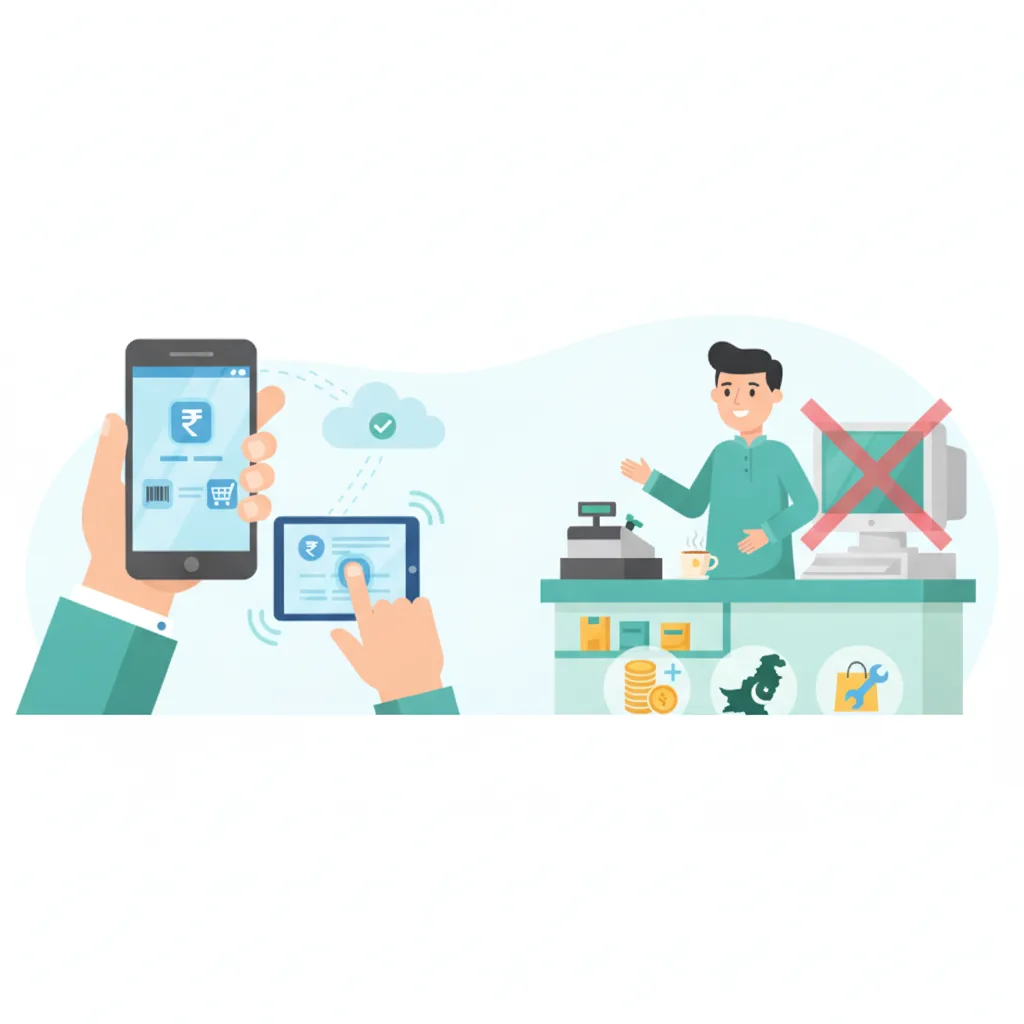
By contrast, a mobile POS setup relies on consumer-grade hardware you may already own:
- The Terminal: An Android tablet (8-inch to 10-inch) or a smartphone. Decent Android tablets suitable for commercial use start at around PKR 22,000 to PKR 40,000 in local electronics markets.
- The Printer: A portable 58mm or 80mm Bluetooth thermal printer. According to local retail hardware listings on platforms like Mustafa Computers and online tech marketplaces, reliable wireless mini printers start between PKR 6,000 and PKR 12,000.
- The Scanner: Your device’s built-in camera, or a compact handheld Bluetooth barcode scanner (roughly PKR 6,000 to PKR 10,000).
- The Power: Built-in lithium batteries that run for 6 to 10 hours on a single charge, completely bypassing the need for an expensive counter UPS during daily power outages.
For a new venture or a second branch, a mobile-first setup reduces initial hardware costs by 50% to 70% while taking up virtually zero counter space.
What a Mobile POS Can Do (And Does Exceptionally Well)
Running your point of sale from a phone or tablet offers several operational advantages that fixed desktop stations simply cannot match:
1. Floor Selling and "Queue Busting"
In peak shopping seasons—such as the days leading up to Eid or seasonal clearance sales—customers often abandon their carts when they see ten people waiting at a single counter. With a mobile POS on a phone or tablet, sales staff can walk up to customers on the shop floor, scan items directly, take payment, and issue a digital or printed receipt on the spot.
2. Freedom for Pop-Up Stalls and Exhibitions
Pakistani retailers frequently showcase products at temporary exhibitions, food festivals, school bazaars, and trade expos at venues like the Karachi Expo Centre. Hauling a desktop PC and inverter to a temporary stall is impractical. A tablet and a pocket-sized Bluetooth printer fit into a single backpack, allowing you to record every sale, print receipts, and deduct stock in real time.
3. Seamless Digital Payments and QR Scanning
With the rapid nationwide rollout of merchant digital payment schemes, including the State Bank of Pakistan’s Raast P2M interoperable QR code network, mobile screens make cashless transactions effortless. The cashier can flip the tablet toward the customer to display an instant Raast, Easypaisa, or JazzCash QR code, eliminating the clutter of printed counter cards.
4. Table-Side and Service-Based Billing
For cafes, restaurants, and salons, mobile devices streamline communication. Servers can punch orders directly at the dining table, and stylists or beauty parlor managers can log services and allocate staff commissions without stepping away from their workstations.
What Mobile POS Cannot Do: The Realistic Limitations
Despite its appeal, running an entire retail business on a phone or tablet comes with distinct functional boundaries. Being honest about these trade-offs will save you from making a costly mistake.
"A tablet POS is brilliant for personalized sales and compact counters, but forcing a 6-inch phone screen to manage a 50-item grocery cart will create massive checkout bottlenecks."
- High-Speed Grocery and Supermarket Scanning: If your cashiers scan 40 to 100 items per customer at peak hours, a phone camera or a wireless handheld scanner cannot match the rapid throughput of an in-counter omnidirectional laser scanner mounted to a heavy desktop terminal.
- Automated Heavy Cash Drawer Triggers: Standard heavy-duty metal cash drawers open automatically via an RJ11/RJ12 cable plugged into an AC-powered desktop receipt printer. While some wireless printers support drawer triggers, many battery-operated mobile printers do not deliver sufficient voltage to pop open heavy steel cash drawers reliably.
- Screen Fatigue on Small Devices: While an 11-inch tablet offers ample workspace, trying to run a full day’s billing and inventory checks on a 6-inch smartphone screen leads to typing errors, missed discounts, and eye strain for staff working an 8-hour shift.
- Durability in Harsh Environments: In dusty godowns, hot wholesale markets, or damp kitchen environments, consumer tablets without rugged protective casings are more prone to drops and screen damage than heavy industrial all-in-one POS terminals.
Which Businesses Benefit Most from Mobile POS in Pakistan?
Whether a mobile POS setup is right for your shop depends primarily on your item volume per ticket and the nature of your customer interactions:
Best Suited for Mobile POS:
- Clothing & Garment Boutiques: Typical baskets are 1 to 5 items. Sales assistants can check alternative sizes or colors right beside the fitting rooms and ring up sales immediately.
- Mobile Phone & Accessory Shops: Fast accessory billing, IMEI lookup, and scratch card sales can easily be handled on a clean counter tablet without cluttering limited display glass.
- Salons, Spas, and Tailoring Shops: Service-heavy businesses where appointments, customized measurements, and stylist commissions matter far more than rapid barcode passes.
- Bakeries, Coffee Shops, and Kiosks: Compact food counters where physical counter space is at a premium and battery-backed reliability avoids disruptions during load-shedding.
- Wholesale Order Bookers: Field agents visiting wholesale markets (such as Shah Alam in Lahore or Bolton Market in Karachi) who take retail orders, log customer accounts, and check stock live from the warehouse.
Better Suited for Traditional Desktop Counters:
- Supermarkets and Kiryana Megastores: Long checkout queues with large carts demand fixed scanning stations and high-speed automatic paper cutters.
- High-Volume Medical Stores: Pharmacies handling thousands of SKUs, alternate brand suggestions, and rapid customer turnarounds generally perform better on full-sized monitors with physical keyboards.
Checklist: What to Look for Before Running Your Shop on a Mobile Device
If you decide to adopt a mobile POS setup, use this practical evaluation checklist before buying hardware or selecting your software provider:
- Offline Billing Resilience: Mobile internet drops frequently in Pakistan. Does the app continue scanning, cart building, and receipt printing when 4G or Wi-Fi blinks out, syncing data safely once the connection recovers?
- Bluetooth Printer Compatibility: Does the software natively support standard 58mm and 80mm ESC/POS thermal receipt printers over Bluetooth without requiring complicated third-party print spoolers?
- Camera & External Barcode Support: Can you toggle between the device camera for mobile use and an external Bluetooth scanner for faster counter operations?
- Staff Access Controls: Since phones and tablets are portable, your software must have strict role-based access. Staff members should only access the sales screen, preventing unauthorized views of profit margins, procurement costs, or full inventory records.
- Centralized Multi-Device Sync: Can you run a desktop at your main counter while arming a floor assistant with a tablet and keeping sales figures, stock balances, and cash totals unified in real time?
How CloudPOS Powers Your Mobile and Counter Operations
CloudPOS provides a unified cloud-based POS and AI-powered ERP platform engineered specifically to solve operational challenges for Pakistani retailers, service providers, and wholesalers.
Rather than locking you into one rigid hardware format, CloudPOS gives you the flexibility to operate your business exactly the way you want:
- True Cross-Device Freedom: CloudPOS runs smoothly on desktops, Android tablets, and smartphones, complemented by dedicated mobile apps that allow owners to monitor live store performance and daily sales from anywhere.
- Uninterrupted Offline Billing: Internet instability never stalls your checkout counter. CloudPOS keeps billing offline without an active connection, storing transactions locally and syncing automatically to secure cloud servers the moment connectivity is restored.
- Real-Time Stock Control: Whether an item is sold from a tablet on the shop floor or entered at a main desk, inventory updates instantaneously across all devices with smart low-stock alerts to prevent unexpected stockouts.
- Built-In Staff Management: Secure employee access control lets you track individual sales performance and attendance while restricting sensitive business margins and ledger data to authorized administrators.
- Multi-Store Oversight: Manage single-till boutiques or scale to multiple branches across different cities from one central dashboard, complete with customer purchase history, barcode generation, and local digital invoicing compliance.
The Verdict: Can You Run Your Shop from a Phone or Tablet?
Yes, you can run a thriving retail or service business in Pakistan from a phone or tablet—provided your sales model does not rely on scanning 80 grocery items in two minutes. For boutiques, cafes, electronics shops, salons, and growing branch networks, mobile POS drastically reduces startup costs, keeps checkout lanes active during load-shedding, and transforms the customer experience.
The smartest approach is flexibility: choosing a modern cloud platform that lets you start on a tablet today, add mobile floor-sellers tomorrow, and plug in a desktop counter whenever your volume demands it.
Ready to see how a mobile-ready, cloud-based POS can simplify your store operations and cut hardware costs? Book a free CloudPOS demo today or speak with our team to explore the right setup for your business.