POS Machine vs POS Software in Pakistan: What’s the Difference and What Do You Actually Need?
Unpack the real differences between a POS machine and POS software in Pakistan. Learn what hardware you actually need, realistic local costs, and how to avoid overspending on bulky counter setups.
In this article
- What Is the Difference: POS Machine vs POS Software in Pakistan?
- 1. The POS Machine (The Hardware)
- 2. The POS Software (The Brains)
- Why Pakistani Business Owners Overpay for Counter Hardware
- 1. Conflating Industrial Appearance with Performance
- 2. Hardware Bundling and Vendor Lock-in
- 3. Confusion Between Card Swipes and Billing
- What Do You Actually Need? A Reality Check by Business Type
- A. Grocery Stores, Supermarts, and Pharmacies
- B. Garments, Footwear, and Boutiques
- C. Cafes, Quick-Service Restaurants (QSR), and Bakeries
- D. Service Businesses (Salons, Tailors, Repair Workshops)
- The True Cost Breakdown in Pakistan: Hardware vs. Software
- 1. Dedicated All-in-One Touch POS Setup
- 2. The Lean, Modern Setup (Using Existing Screens)
- 3. The Software Cost Structure
- Checklist: How to Avoid Paying for Hardware You Don't Need
- How CloudPOS Helps You Build a Lean, Powerful Setup
- Final Thoughts: Software Drives the Business, Not the Box
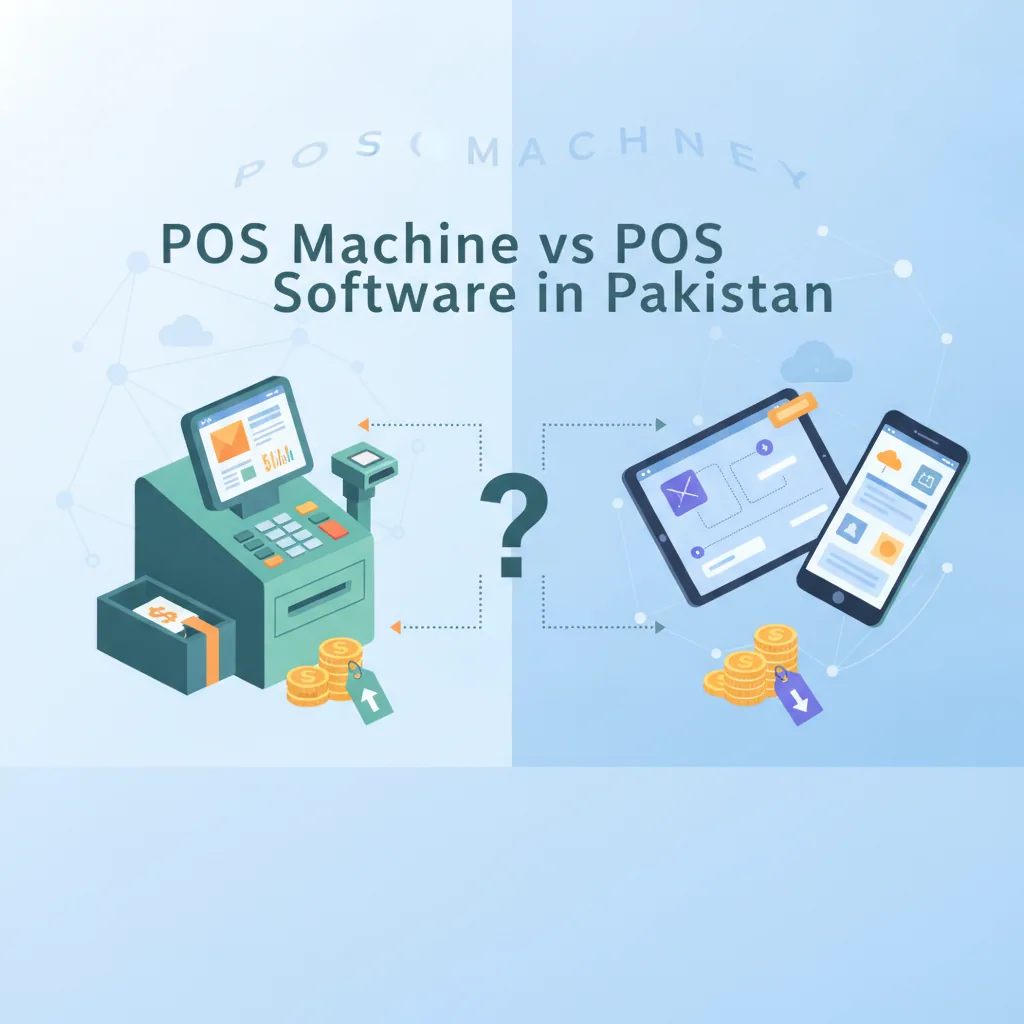
If you have recently visited Hafeez Centre in Lahore, Technocity in Karachi, or searched online vendors across Pakistan to set up a new retail shop, pharmacy, or restaurant, you have likely received quotes ranging anywhere from PKR 30,000 to over PKR 250,000. In the POS machine vs POS software in Pakistan debate, hardware vendors often insist that you cannot start selling until you purchase a heavy, specialized “POS machine.” Meanwhile, tech consultants tell you that all you need is a “POS software” subscription.
This confusion is one of the most common budget traps for Pakistani business owners. Spending big on expensive hardware when your business only needs lean software wastes working capital you could have used for stock, marketing, or store fittings. Conversely, buying software that does not fit your physical counter workflow creates long checkout queues and frustrated customers.
This guide breaks down the real differences between a POS machine and POS software in Pakistan, what each component costs, what you actually need to buy, and how to avoid paying for hardware you can easily do without.
What Is the Difference: POS Machine vs POS Software in Pakistan?
At the simplest level, the relationship between a POS machine and POS software is the same as the relationship between a smartphone and WhatsApp. One is the physical equipment you touch with your hands; the other is the intelligent application that actually performs the work.
1. The POS Machine (The Hardware)
In Pakistan, the term “POS machine” is used loosely to describe two very different pieces of physical equipment:
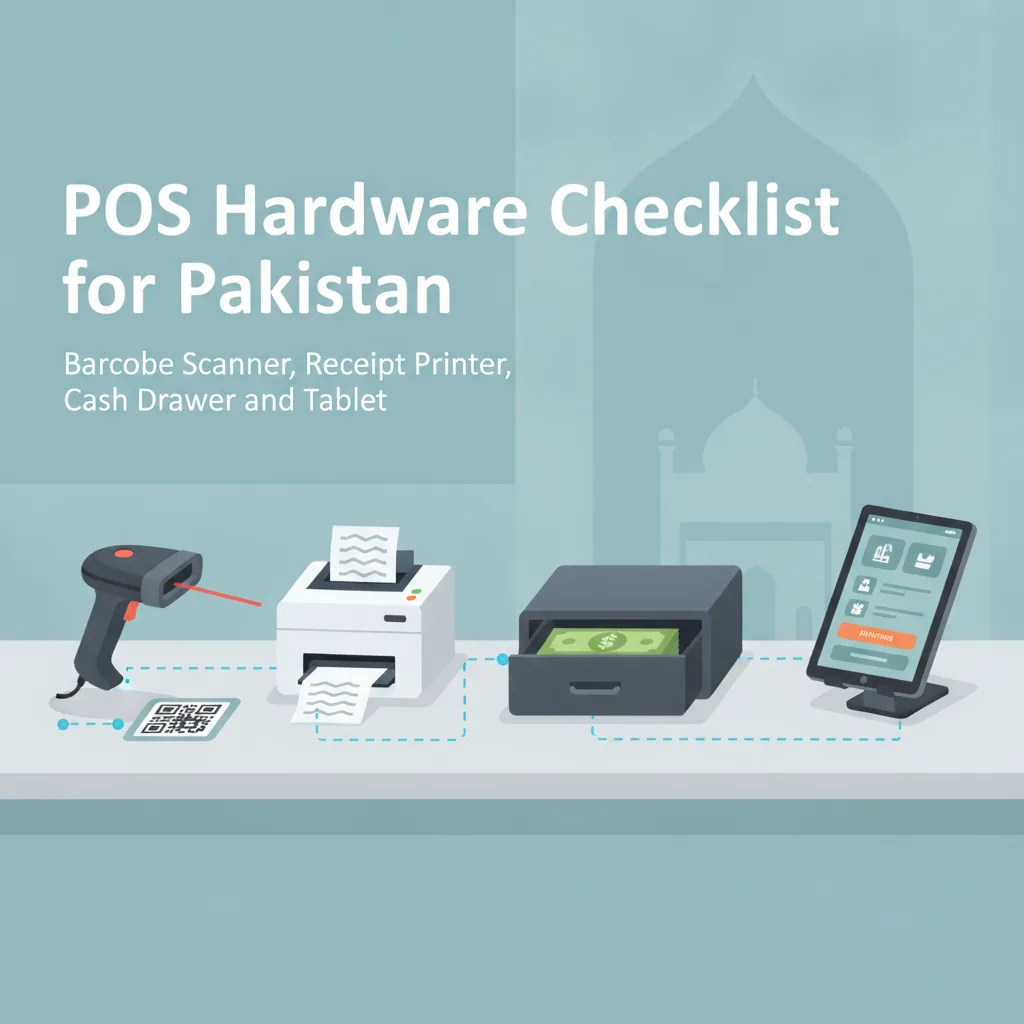
- The Point-of-Sale Counter Terminal: This refers to the physical computer sitting on your cash desk. It may be a specialized all-in-one touchscreen terminal with a customer-facing display, or it could simply be a standard desktop computer, laptop, or Android tablet. It connects to physical accessories such as barcode scanners, thermal receipt printers, and cash drawers.
- The Bank Card Swipe Machine (EDC Terminal): Many merchants call the small handheld terminal provided by commercial banks (such as HBL, Meezan, Alfalah, or MCB) or fintech payment providers a “POS machine.” This device has only one job: reading debit or credit cards and confirming payment settlement. It does not track your stock, calculate profit margins, or record supplier bills.
2. The POS Software (The Brains)
POS software is the digital system that runs on your hardware. It acts as the operational nerve center of your business. While the machine merely accepts inputs, the software:
- Maintains your product catalog, barcode numbers, prices, and cost margins.
- Deducts inventory in real time whenever an item is sold.
- Calculates discounts, wholesale rates, and customer balances.
- Tracks which cashier handled each shift and prevents unauthorized discounts.
- Generates end-of-day sales reconciliations and profit-and-loss reports.
- Maintains customer phone numbers and buying history for loyalty follow-ups.
A high-end touch terminal without software is just an expensive desk ornament. On the flip side, powerful cloud POS software can turn an ordinary laptop or tablet into a world-class billing station.
Why Pakistani Business Owners Overpay for Counter Hardware
Most small-to-medium retailers in Pakistan do not need an industrial-grade, dual-screen terminal on day one. Yet hundreds of retailers buy them every month. Here is why the market pushes owners toward unnecessary spending:
1. Conflating Industrial Appearance with Performance
Many new entrepreneurs open retail stores believing a heavy, black, glossy touchscreen gives their shop a “branded” corporate look. While aesthetics matter in boutique apparel or fine dining, a generic all-in-one terminal often uses outdated, low-power internal processors wrapped in bulky plastic shells. You might pay PKR 150,000 for a terminal that is significantly slower than an affordable office laptop.
2. Hardware Bundling and Vendor Lock-in
Some vendors sell proprietary systems where the software only runs on their specific machine. If a single port stops working or the touchscreen fails during summer heat, you cannot replace it with off-the-shelf equipment. You are forced to pay the vendor whatever repair price they demand, or risk having your entire billing counter shut down.
3. Confusion Between Card Swipes and Billing
First-time store owners frequently assume that applying for a bank card terminal will solve their inventory management problems. When the bank delivers the card machine, the owner realizes it only prints payment slips—it does not tell them how many shirts, medicines, or grocery units remain in the godown.
What Do You Actually Need? A Reality Check by Business Type
What you need on your counter depends entirely on your daily transaction volume, your floor space, and how your customers pay. Here is what different Pakistani retail categories realistically require:
A. Grocery Stores, Supermarts, and Pharmacies
- The Reality: High speed is mandatory. During 7:00 PM to 10:00 PM peak rush hours, cashiers cannot afford screen lag or clumsy touchscreen taps.
- Hardware Needed: A reliable desktop PC or robust laptop with a physical keyboard (faster than typing on a touchscreen for item quantities), a high-speed 80mm thermal receipt printer with auto-cutter, an omnidirectional or fast handheld barcode scanner, and a heavy-duty cash drawer.
- Software Needed: Fast search-by-name/code, barcode scanning, batch and expiry date tracking (essential for pharmaceuticals), loose item sales (grams/kilograms), and offline billing capability so sales do not halt during broadband drops.
B. Garments, Footwear, and Boutiques
- The Reality: Medium transaction speed, higher ticket size, and a strong focus on sizes, colors, and design variants.
- Hardware Needed: A clean laptop, an all-in-one desktop, or a tablet stand on a minimalist counter; a barcode scanner for hang-tags; a 58mm or 80mm thermal receipt printer.
- Software Needed: Matrix inventory (managing small, medium, large in multiple colors), customer phone recording for seasonal sales promotions, exchange/return management, and multi-branch inventory visibility.
C. Cafes, Quick-Service Restaurants (QSR), and Bakeries
- The Reality: Fast-paced order entry, counter ticket printing, and split billing.
- Hardware Needed: A touchscreen terminal or an Android tablet on an enclosure (touch interfaces excel in food menus without barcodes), and a kitchen receipt printer or digital display.
- Software Needed: Table management, kitchen order tickets (KOT), recipe ingredient deductions, and cashier shift closing audits.
D. Service Businesses (Salons, Tailors, Repair Workshops)
- The Reality: Low product counts, custom charges, appointment tracking, and staff commissions.
- Hardware Needed: A tablet or standard office computer. You may not even need a thermal printer if your clients prefer receipts sent via SMS or digital messaging.
- Software Needed: Service billing, technician/stylist commission tracking, advance deposit records, and customer profiles.
The True Cost Breakdown in Pakistan: Hardware vs. Software
To help you budget accurately, here is a realistic view of current market equipment costs in Pakistan:
Cost-Saving Tip: If your budget is tight, start with a refurbished office desktop (Core i5, 8GB RAM, SSD) for PKR 25,000 to PKR 35,000, pair it with a standard USB barcode scanner (PKR 4,500) and an 80mm thermal printer (PKR 9,000 to PKR 13,000). Your total hardware spend will stay well under PKR 50,000 while delivering rock-solid speed.
1. Dedicated All-in-One Touch POS Setup
- New All-in-One Touchscreen Terminal: PKR 120,000 – PKR 220,000 (varies by brand such as Sunmi, ZKTeco, or BlackCopper).
- 80mm Thermal Receipt Printer: PKR 9,000 – PKR 16,000.
- 2D Barcode Scanner (Handheld or Omnidirectional): PKR 4,500 – PKR 18,000.
- Electronic Cash Drawer: PKR 8,000 – PKR 14,000.
- Total Hardware Investment: PKR 141,500 – PKR 268,000.
2. The Lean, Modern Setup (Using Existing Screens)
- Existing Windows PC, Laptop, or Android Tablet: PKR 0 (already owned) or PKR 30,000 – PKR 45,000 for a good refurbished computer.
- USB or Bluetooth Thermal Receipt Printer: PKR 8,000 – PKR 13,000.
- 1D/2D Laser Barcode Scanner: PKR 4,000 – PKR 8,000.
- Cash Drawer or Lockable Till: PKR 7,000 – PKR 10,000.
- Total Hardware Investment: PKR 19,000 – PKR 76,000.
3. The Software Cost Structure
Unlike hardware, which is a one-time capital purchase (with recurring maintenance and depreciation), modern POS software operates on flexible models:
- Old-School Legacy Software: Some local developers charge a one-time fee (PKR 30,000 to PKR 80,000) for a software CD or desktop file. However, these systems usually lack cloud backups, cannot be monitored from home, and charge heavy annual maintenance fees whenever you need a bug fix or reinstall.
- Modern Cloud-Based Subscriptions: Software-as-a-Service (SaaS) charges a manageable monthly or annual fee. It includes continuous automatic updates, off-site cloud backups, remote mobile monitoring, and multi-branch capabilities without requiring you to purchase an on-premises local server.
Checklist: How to Avoid Paying for Hardware You Don't Need
Before signing an invoice with any equipment vendor in Pakistan, run through this five-step checklist to protect your capital:
- Audit Your Existing Hardware First: Do you or your shop already have a working Windows 10/11 laptop, an office desktop, or an Android tablet? If yes, test cloud-based POS software on it before spending a rupee on a dedicated terminal.
- Demand Hardware Independence: Never buy software that requires you to buy the vendor's proprietary screen or printer. Ensure the POS software works seamlessly with standard ESC/POS thermal printers and plug-and-play USB/Bluetooth barcode scanners available in any local computer market.
- Check Load Shedding and UPS Compatibility: A bulky all-in-one desktop terminal running heavy power supplies can rapidly drain an ordinary shop UPS during power outages. Laptops and tablets have built-in battery backups that keep your checkout counter running for hours without extra generator load.
- Do Not Buy Dual-Screen Displays Unless Necessary: Customer-facing rear screens look modern, but for 85% of retail stores in Pakistan, customers simply glance at their printed receipt or the counter operator. Unless you sell items where real-time line-item verification is critical, a single screen saves significant cash.
- Separate Your Payment Terminal from Your POS: Keep your bank card swipe machine or Raast QR terminal independent. If your bank terminal malfunctions, your cash register should not freeze. Standard, modular setups give you the freedom to switch banks or payment gateways anytime without altering your sales counter.
How CloudPOS Helps You Build a Lean, Powerful Setup
Choosing the right operating system for your business should simplify your cash counter, not burden you with expensive technical baggage. CloudPOS is designed from the ground up to give Pakistani retailers, wholesalers, and service businesses full operational power without forcing them into overpriced hardware bundles.
Here is how CloudPOS eliminates unnecessary equipment friction:
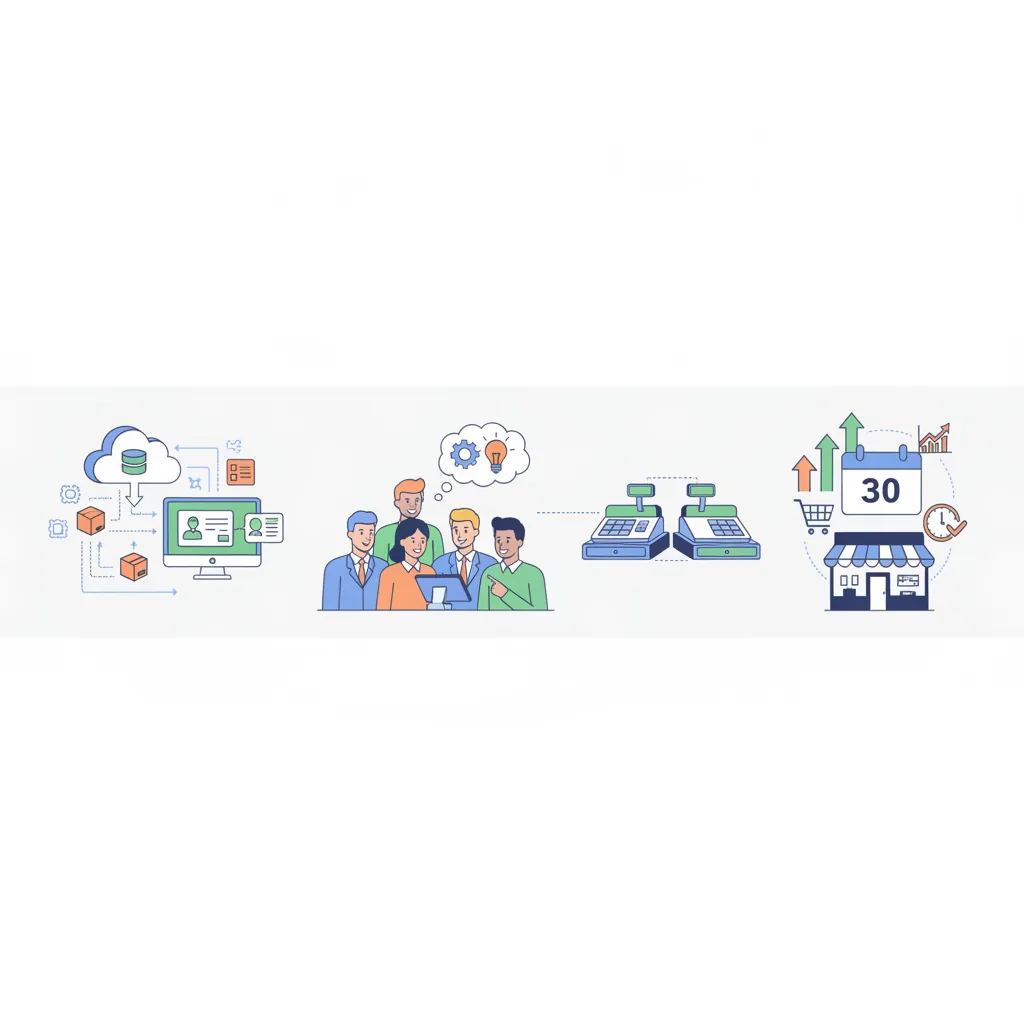
- Run on Any Device You Already Own: CloudPOS operates seamlessly across desktop computers, laptops, tablets, and mobile devices. You can manage busy counter sales on a standard office PC, handle tableside ordering on an Android tablet, and track store performance using dedicated mobile apps on your personal smartphone from anywhere in the world.
- Offline-Ready Counter Reliability: Internet stability can be unpredictable across commercial centers in Pakistan. CloudPOS features true offline billing: your counter continues scanning barcodes, applying discounts, and printing receipts even when your broadband connection drops. As soon as your internet reconnects, all transactions sync automatically to the secure cloud.
- Universal Peripheral Compatibility: You are never locked into proprietary hardware. CloudPOS connects smoothly with standard thermal receipt printers (both 58mm and 80mm), barcode label printers, electronic cash drawers, and handheld or wireless barcode scanners.
- Multi-Store Control from One Dashboard: If you operate two, three, or ten branches across different cities, you do not need dedicated in-store database servers. CloudPOS lets you view consolidated inventory, transfer stock between outlets, and monitor cashier performance across all locations from a single central account.
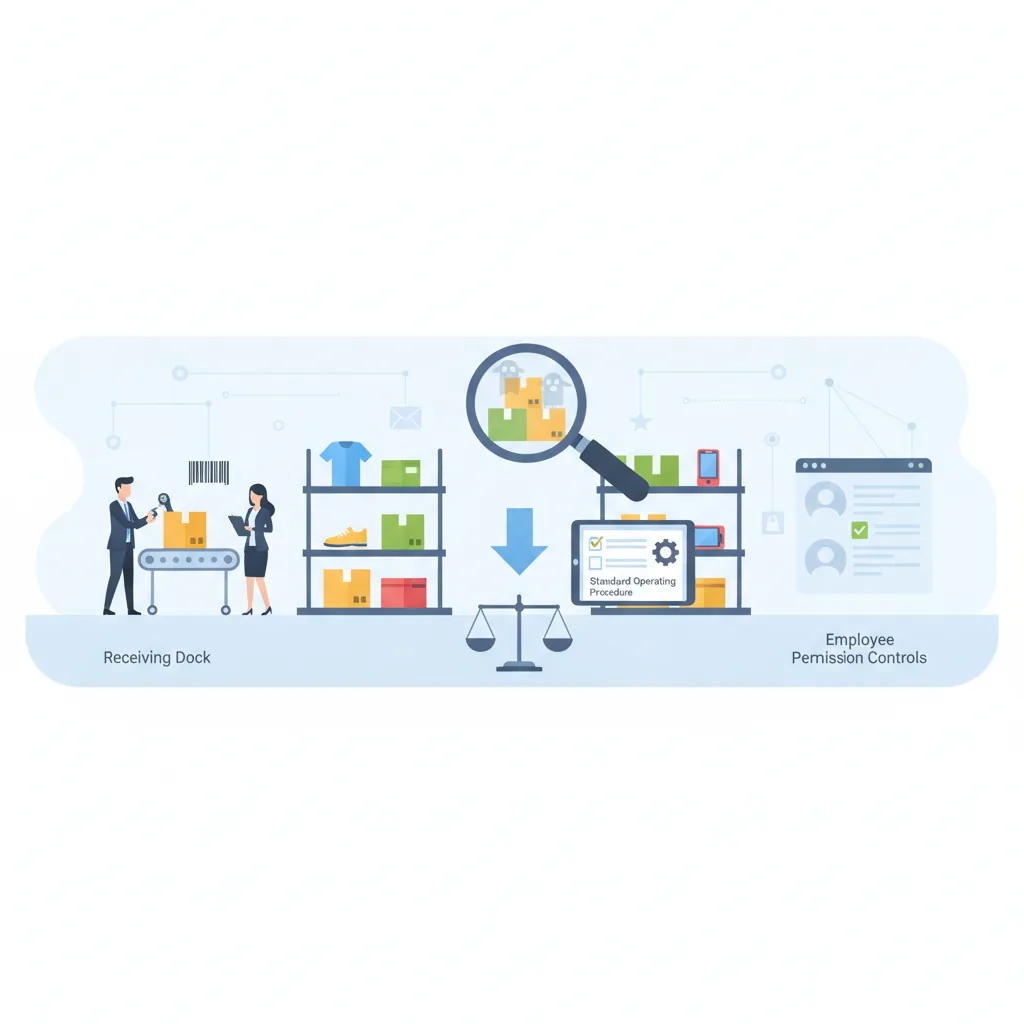
- Smart Inventory Alerts & AI-Powered ERP: Move far beyond basic bill printing. CloudPOS provides real-time stock deductions, automatic low-stock notifications so you never run out of fast-selling goods, employee access permissions, customer purchase history, and an integrated AI-powered ERP module to supervise procurement, finances, and CRM.
- Local Compliance Ready: Whenever your business requires digital invoicing or regulatory alignment, CloudPOS includes integrated FBR-compliant billing options and local tax support without requiring you to replace your counter hardware.
For a general overview of how point of sale systems are structured, see this point of sale overview.
Final Thoughts: Software Drives the Business, Not the Box
When digitizing your shop or restaurant in Pakistan, remember that the screen sitting on your counter is simply an input tool. Your profit margins, inventory accuracy, staff accountability, and customer loyalty are entirely driven by the quality of the software running behind that screen.
Do not let hardware vendors convince you that digital operations require hundreds of thousands of rupees in specialized machinery. Start lean, utilize the screens you already have, invest in reliable, standard receipt and scanning peripherals, and choose an intelligent, cloud-first platform that can scale with your business as you open new counters and new branches.
Ready to see how easy and affordable professional store management can be on your existing devices? Reach out to our team in Gujrat at +92 309 308 9999 or book a free CloudPOS demo today to experience fast counter billing, real-time stock control, and remote business oversight firsthand.