How to Fix Slow Billing at Checkout and Stop Losing Peak-Hour Retail Customers
Slow checkout queues during peak evening hours are quietly driving away your most profitable Pakistani retail customers. Learn the hidden costs of counter bottlenecks, the five operational causes behind billing delays, and practical strategies to cut transaction times in half.
In this article
- The Hidden Costs of Slow Billing in Pakistani Retail
- 5 Root Causes of Counter Bottlenecks in Local Shops
- 1. Missing or Damaged Barcodes
- 2. Legacy Systems and Latency
- 3. Manual Price Overrides and Discount Negotiations
- 4. Slow Receipt Printing and Payment Handoffs
- 5. The “Single Counter” Trap During Rush Hours
- Practical Strategies to Double Your Checkout Speed
- Checklist: The 60-Second Retail Checkout Audit
- How CloudPOS Helps Eliminate Counter Queues
- Transform Your Checkout From a Bottleneck Into a Competitive Advantage
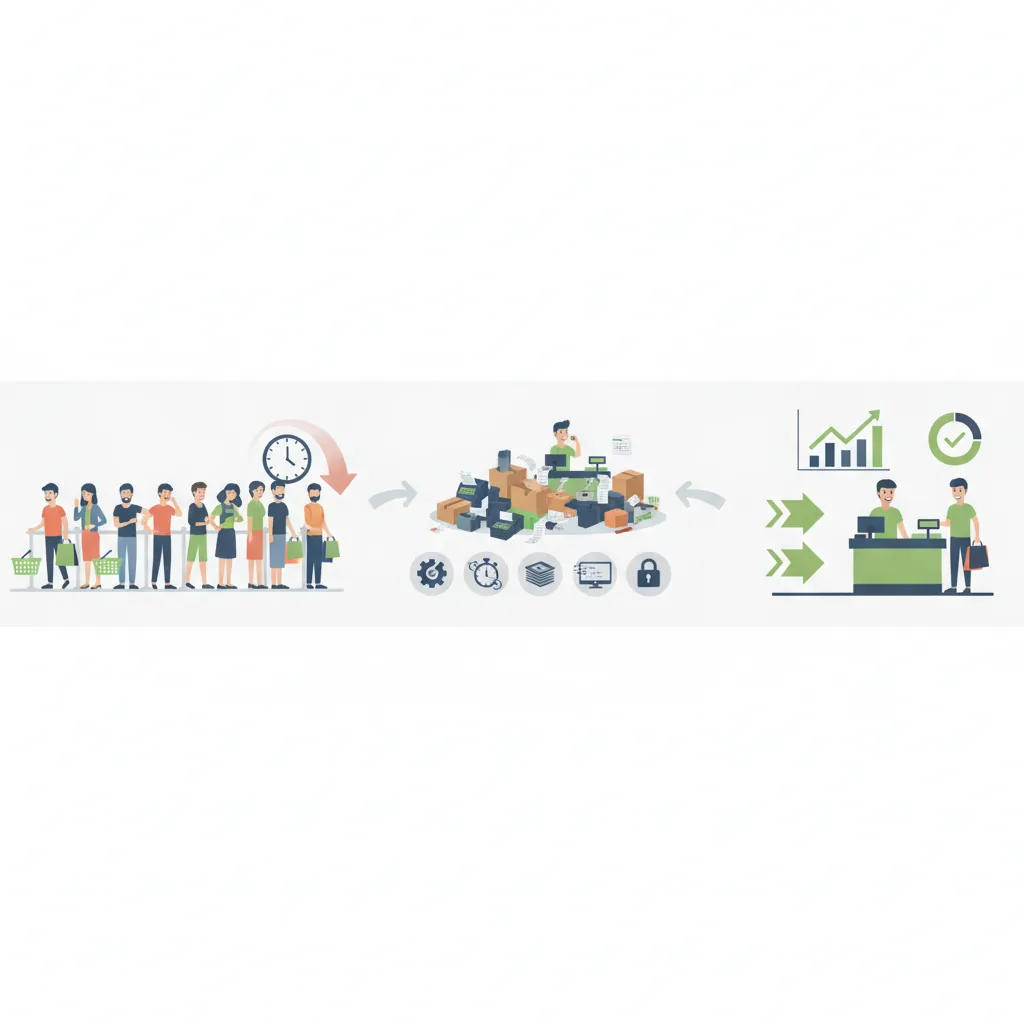
It is 8:45 PM on a Saturday evening. Your retail store is packed with shoppers, the air conditioning is humming, and the shelves are moving. But as you glance toward the front counter, the mood shifts. A single line, the result of slow billing, has snaked five people deep into the center aisle. Your cashier is squinting at a wrinkled label, manually typing a price, and waiting for an unresponsive computer screen to refresh. Two shoppers glance at their watches, set their baskets down on a clothing rack, and walk out into the street.
That scene plays out every evening across shopping hubs from Karachi’s Tariq Road to Lahore’s MM Alam Road and Rawalpindi’s Saddar. Pakistani retail owners invest significant capital in prime rental locations, interior decor, and inventory procurement. Yet, an alarming share of potential revenue evaporates right at the galla (cash counter) due to slow billing at checkout.
When billing is slow, your business does not just lose immediate sales; it damages customer goodwill and caps your store's earning ceiling during peak trading hours. Understanding why checkout bottlenecks occur and implementing a few practical workflow changes can double your throughput without requiring extra floor space.
The Hidden Costs of Slow Billing in Pakistani Retail
Most retailers view long queues as a sign of success: “The shop is crowded, so business must be good.” In reality, a packed checkout queue is an operational bottleneck that quietly drains profitability in three ways:
- Queue Abandonment: Global consumer studies compiled by Wavetec reveal that a substantial majority of shoppers abandon their purchases if checkout wait times exceed five minutes. In fast-paced Pakistani urban centers, convenience is a major retention factor. A shopper who spent thirty minutes picking out groceries or clothes will not hesitate to abandon a basket if the line is motionless.
- Cashier Burnout and Billing Errors: When queues build up, cashiers experience intense psychological pressure. Rushed operators make costly mistakes—misreading prices, applying incorrect discounts, double-scanning items, or giving wrong change from the cash drawer.
- Permanently Lost Footfall: When a customer abandons a basket, they rarely return the next day. They visit a competitor whose checkout process is seamless. Slow billing turns high footfall into lost lifetime customer value.
5 Root Causes of Counter Bottlenecks in Local Shops
Before you can speed up your counter, you must pinpoint exactly what stalls the transaction. In most independent Pakistani stores, bottlenecks stem from five common operational friction points:
1. Missing or Damaged Barcodes
If your team has to type product codes manually or yell across the sales floor to ask a colleague, “Bhai, yeh shirt kitnay ki hai?”, your billing speed collapses. Even in grocery and pharmacy environments, unbarcoded loose goods or wrinkled supplier tags cause scanning failures that halt the entire line.
2. Legacy Systems and Latency
Many shops still use outdated desktop software built on legacy local databases or browser-based tools that stall whenever the local Wi-Fi drops. If your billing software requires 12 different keystrokes, pop-up confirmation dialogs, and several seconds of loading time just to add a line item, your hardware and software are actively working against your business.
3. Manual Price Overrides and Discount Negotiations
In Pakistan, price adjustments and customer discount requests are routine. If every single discount requires the cashier to manually enter custom amounts, calculate percentages on a handheld calculator, or summon the store owner for a physical key, the counter grinds to a halt.
4. Slow Receipt Printing and Payment Handoffs
Legacy serial-port printers, delayed credit/debit card machine handshakes, and disorganized cash drawers add 15 to 25 unnecessary seconds to every customer interaction. Across 100 transactions, that represents over 30 minutes of dead queue time.
5. The “Single Counter” Trap During Rush Hours
Pakistani retail traffic is heavily concentrated. Sixty to seventy percent of daily footfall often arrives within a narrow four-hour window (between 6:00 PM and 10:00 PM). If your checkout architecture remains rigid with just one fixed terminal, you cannot flex capacity to meet peak consumer demand.
Practical Strategies to Double Your Checkout Speed
Speeding up checkout does not require completely overhauling your store layout. You can implement several high-impact adjustments immediately to keep the line moving briskly:
- Implement Strict Barcode Hygiene: Ensure every product received in your godown or back office is labeled with a clear, high-contrast barcode before it reaches the sales rack. For loose products, pre-pack and pre-weigh items during slow morning hours with scannable pricing stickers.
- Set Up Quick-Keys for Top 20 Non-Barcoded Items: If you run a bakery, mart, or coffee counter where certain items (like shopping bags, fresh bread, or loose produce) do not carry barcodes, configure your POS touch grid with visual, one-tap shortcut buttons.
- Automate Discount Rules: Instead of manual bargaining at the till, program your promotional rules directly into your management system. Whether it is “Buy 2 Get 1 Free” or a flat 10% weekend apparel discount, the software should calculate the reduction automatically upon scanning.
- Adopt “Line-Busting” During Weekend Spikes: During festival rushes, Eid shopping, or Saturday evenings, equip a sales associate with a mobile tablet or smartphone. They can walk through the line, scan customer items in advance, and generate a holding ticket. When the customer reaches the cash desk, the cashier simply scans one ticket barcode, takes payment, and hands over the receipt in under ten seconds.
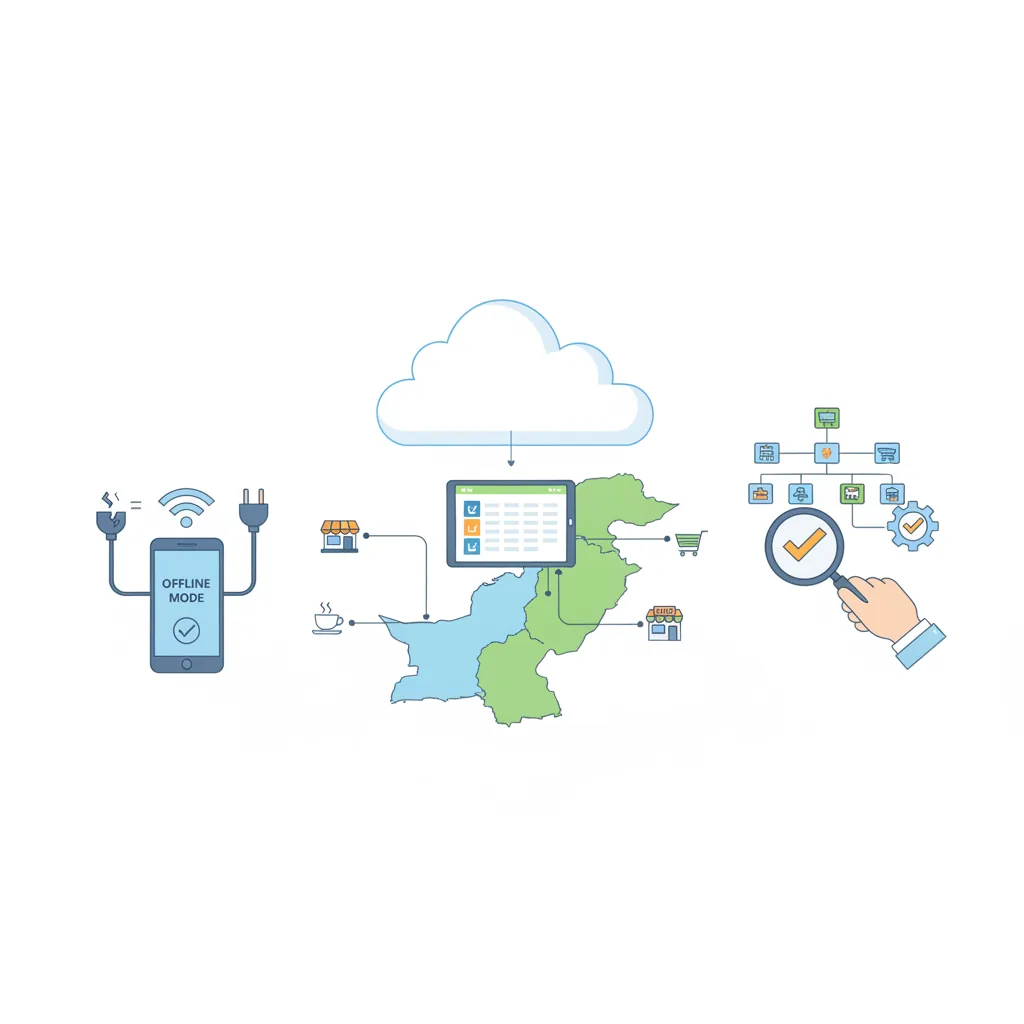
- Ensure True Offline Redundancy: Internet service in commercial markets can fluctuate. Your checkout counter must never depend entirely on live internet to print an invoice. Use an offline-capable system that stores data locally on the device during an outage and uploads to the cloud quietly in the background once connectivity resumes.
“A checkout line is the final memory a customer takes away from your store. If the exit is frustrating, even a 50% discount won't bring them back.”
Checklist: The 60-Second Retail Checkout Audit
Save this practical audit to test whether your checkout counter is optimized for high volume:
- [ ] Scan Rate: Can an item be scanned from any angle on the first pass without rescanning?
- [ ] Search Speed: If an item lacks a barcode, can the cashier locate it via smart partial search (e.g., typing “Pan 500”) in under 3 seconds?
- [ ] Offline Continuity: If your Wi-Fi router is turned off right now, can your cashier still ring up a sale and print a bill immediately?
- [ ] Quick Tenders: Does your billing screen have fast-cash buttons (Rs. 500, Rs. 1,000, Rs. 5,000) to calculate change instantly?
- [ ] Receipt Throughput: Does your receipt printer cut and deliver the slip in under two seconds after payment selection?
How CloudPOS Helps Eliminate Counter Queues
Addressing retail bottlenecks requires modern software designed specifically for the pace of Pakistani retail. That is why CloudPOS was built with extreme counter efficiency at its core:
- Lightning-Fast Barcode Scanning & Smart Search: CloudPOS processes transactions with minimal keystrokes. Barcode scanning registers instantaneously, while an intelligent search bar allows cashiers to pull up non-barcoded items in milliseconds.
- Offline-First Reliability: Power cuts and erratic broadband will never freeze your checkout line. CloudPOS operates seamlessly offline—cashiers continue scanning and printing receipts without interruption, and all sales sync automatically to the cloud the moment internet access returns.
- Mobile POS & Tablet Line-Busting: CloudPOS runs on desktop, tablet, and mobile devices. During heavy peak hours, your floor staff can use smartphones or tablets to pre-scan baskets, check live inventory across godowns, and disperse waiting crowds.
- Automated Promotions & Discounts: Eliminate counter math. CloudPOS applies automated discounts, customer tier pricing, and seasonal bundle offers the moment qualifying items hit the invoice.
- Multi-Store Inventory & Employee Controls: Track cashier performance, minimize unauthorized voids with granular role permissions, and access real-time analytics from our dedicated mobile apps wherever you are.
Transform Your Checkout From a Bottleneck Into a Competitive Advantage
Every minute your customers spend idling in an unmoving line is a minute they spend reconsidering their purchase. In today's competitive retail landscape, fast, pleasant customer service is just as vital as product variety and pricing. By standardizing your barcode workflow, training staff on high-speed scanning, and equipping your counter with responsive, offline-ready technology, you protect your revenue and create an experience that keeps shoppers coming back.
Ready to speed up your checkout counter and eliminate long queues? Book a free CloudPOS demo today and see how effortless retail billing can be for your store.
===CONTENT===