What Is POS Debit? Understanding POS Debit Card Transactions
Learn what POS debit means, how POS debit card transactions work behind the counter, and how they impact bank balances for shoppers and retailers in Pakistan. Discover practical steps to reconcile card settlements, handle chargebacks, and streamline cash counters.

In this article
- What Is POS Debit?
- How POS Debit Card Transactions Work Step-by-Step
- 1. Card Presentation & Data Capture
- 2. Routing via the Acquirer and Payment Network
- 3. Real-Time Authorization from the Issuing Bank
- 4. Receipt Generation and Counter Confirmation
- 5. Clearing and Batch Settlement
- How POS Debit Affects the Customer’s Bank Account
- Common POS Debit Challenges for Pakistani Retailers
- 1. Communication Dropouts and Double Debits
- 2. Settlement Discrepancies at Shift Handover
- 3. Transaction Fees (MDR) Impacting Margins
- Checklist: Reconciling POS Debit Transactions at Daily Closing
- How CloudPOS Helps Pakistani Retailers Manage Card and Digital Payments
- Moving from Cash Friction to Modern Retail Control
Quick answer: POS debit is the label your bank shows when you pay with a debit card at a store’s card machine. The money leaves your account after the bank approves the payment in real time, and the merchant receives it later through batch settlement.
If you have ever looked at a bank statement or an instant transaction SMS after paying for groceries or dining out, you have probably noticed a line labeled POS DEBIT followed by the merchant’s business name. For shoppers, it represents money leaving their checking or savings account. For store owners, restaurant operators, and pharmacy managers across Pakistan, it represents a completed sale, a satisfied customer, and a digital trail that must eventually match the cash drawer at the end of every shift.
As digital payment adoption accelerates across Pakistan—with over 68 million payment cards active in the country according to the State Bank of Pakistan’s Payment Systems reports—understanding how POS card payments work is no longer just for bank accountants. Whether you are an everyday consumer trying to make sense of your bank statement or an independent retailer upgrading your cash counter, here is a complete guide to understanding POS debit card transactions and their operational impact.
What Is POS Debit?
At its core, POS debit refers to a payment transaction processed through an electronic Point of Sale terminal where funds are deducted directly from the customer’s bank account. The term combines two everyday concepts:
- POS (Point of Sale): The physical hardware or software setup at a cash counter (or delivery station) where a commercial transaction takes place.
- Debit: An accounting entry that deducts money from existing deposit funds (checking, current, or savings accounts) rather than drawing on a borrowed line of credit.
When someone pays using a debit card issued by an institution like Meezan Bank, HBL, Bank Alfalah, or an EMV-enabled PayPak card, the terminal initiates a direct transfer authorization. Unlike credit cards, which accumulate a balance to be settled at month’s end, a POS debit relies entirely on existing money sitting in the account.
How POS Debit Card Transactions Work Step-by-Step
While tapping a debit card on an NFC reader takes less than three seconds, an intricate multi-party verification happens behind the scenes. Here is how a POS debit moves from your counter to the banking network:
1. Card Presentation & Data Capture
The customer taps, inserts (chip/EMV), or swipes their debit card at your merchant terminal. The machine reads the card’s account number, expiration date, and encrypted security tokens. If the transaction exceeds contactless PIN limits or the card relies on chip-and-PIN protocols, the customer enters their four-digit code on the PIN pad.
2. Routing via the Acquirer and Payment Network
The merchant terminal (provided by your acquiring bank or fintech processor) encrypts the transaction details and transmits them to the payment switch. In Pakistan, local debit routing often flows through domestic switches like 1Link or global payment schemes such as Visa and Mastercard, depending on the card brand.
3. Real-Time Authorization from the Issuing Bank
The network identifies the cardholder’s bank (the issuing bank) and submits an authorization request. The issuing bank performs three fast checks:
- Is the card valid, active, and not reported lost or stolen?
- Does the entered PIN or chip cryptogram match?
- Does the account have sufficient cleared funds to cover the purchase total?
If all three criteria pass, the bank places an immediate authorization hold on the customer’s account and sends back an authorization code.
4. Receipt Generation and Counter Confirmation
The merchant terminal receives the authorization signal and prints a paper charge slip or flashes an approval confirmation. Concurrently, your store’s point of sale software records the payment tender as “Debit Card” alongside the approval number, deducts the purchased items from store inventory, and issues the customer’s final tax invoice.
5. Clearing and Batch Settlement
Funds do not land in the retailer’s bank account instantaneously. At the end of the business day, the merchant executes a “batch settlement” on the card machine. The acquiring bank packages the day’s batch, clears it with the respective issuing banks, deducts the agreed Merchant Discount Rate (MDR) processing fee, and deposits the net funds into the retailer’s commercial account within one to three business days.
How POS Debit Affects the Customer’s Bank Account
For shoppers and business owners reviewing their own corporate debit cards, a POS debit changes the bank balance in specific ways:
- Immediate Reduction in Available Balance: While the transaction may sit under “Pending Transactions” for 24 to 48 hours until daily clearing finishes, the available spending balance drops the second the receipt prints. This prevents overdrawing.
- Clear Merchant Descriptors: On digital banking apps and paper bank statements, the transaction appears with a descriptor such as “POS DEBIT - AL-FATAH LAHORE” or “POS DEBIT - METRO KARACHI” alongside a date stamp and transaction reference number.
- Protection Against Uncontrolled Debt: Because POS debits pull only cleared funds, consumers cannot spend beyond their immediate means, eliminating high-interest credit charges.
Common POS Debit Challenges for Pakistani Retailers
While debit cards reduce cash handling risks and counterfeit notes, managing card transactions introduces practical operational friction that every retailer must anticipate:
1. Communication Dropouts and Double Debits
In Pakistan, fluctuating mobile networks (GPRS/4G SIMs inside portable terminals) or broadband drops can cause an authorization timeout. A customer might receive a bank SMS showing money deducted, but the terminal prints a “Transaction Failed” slip. Retailers cannot release merchandise without an approved slip because the unsettled deduction usually reverses back into the customer’s account within 24 to 72 hours. Staff need clear protocols to explain this politely without causing counter panic.
2. Settlement Discrepancies at Shift Handover
If cashiers log a card payment as “Cash” on the computer, or if a customer splits a bill between cash and debit card without proper tender separation, the cash drawer will show an artificial deficit while the bank account will show an unexplained surplus.
3. Transaction Fees (MDR) Impacting Margins
Processing debit cards carries an interchange and merchant discount rate, typically ranging from 1.0% to 2.5% depending on whether the card is domestic (PayPak) or international (Visa/Mastercard). Retailers operating on thin retail margins (such as grocery supermarkets or wholesale electronics) must factor these costs into their accounting ledgers.
Checklist: Reconciling POS Debit Transactions at Daily Closing
To avoid revenue leakages and mismatched accounting books, every shop manager should enforce this 5-step closing checklist at every counter shift change:
- Print the Terminal Batch Total: Run the daily settlement summary directly from your physical bank card machine before shutting down the counter.
- Pull the POS System Shift Report: Generate the tender summary from your retail software filtering exclusively for “Card / Debit” sales.
- Verify Total Amounts and Slip Counts: Compare the total card amount and number of processed vouchers between your POS software report and the physical terminal settlement slip.
- Clip Physical Charge Slips to Daily Logs: Store the signed merchant copy slips together with the register closing printout for 90 days to defend against accidental chargeback disputes.
- Flag Network Discrepancies Immediately: If the card terminal collected more than the POS software registered, locate the missing receipt number or incomplete checkout ticket before sending staff home.
How CloudPOS Helps Pakistani Retailers Manage Card and Digital Payments
Accepting card payments should make your business more efficient, not add hours of tedious evening paperwork. CloudPOS is an intuitive, cloud-based POS and AI-powered ERP platform engineered specifically to solve daily cash counter and payment reconciliation bottlenecks across Pakistan.
Here is how CloudPOS streamlines payment workflows across retail stores, pharmacies, restaurants, and multi-branch outlets:
- Split-Tender Payment Support: Customers frequently pay half in cash and half via debit card. CloudPOS lets cashiers record mixed tenders effortlessly on a single bill, keeping ledger categories strictly segregated.
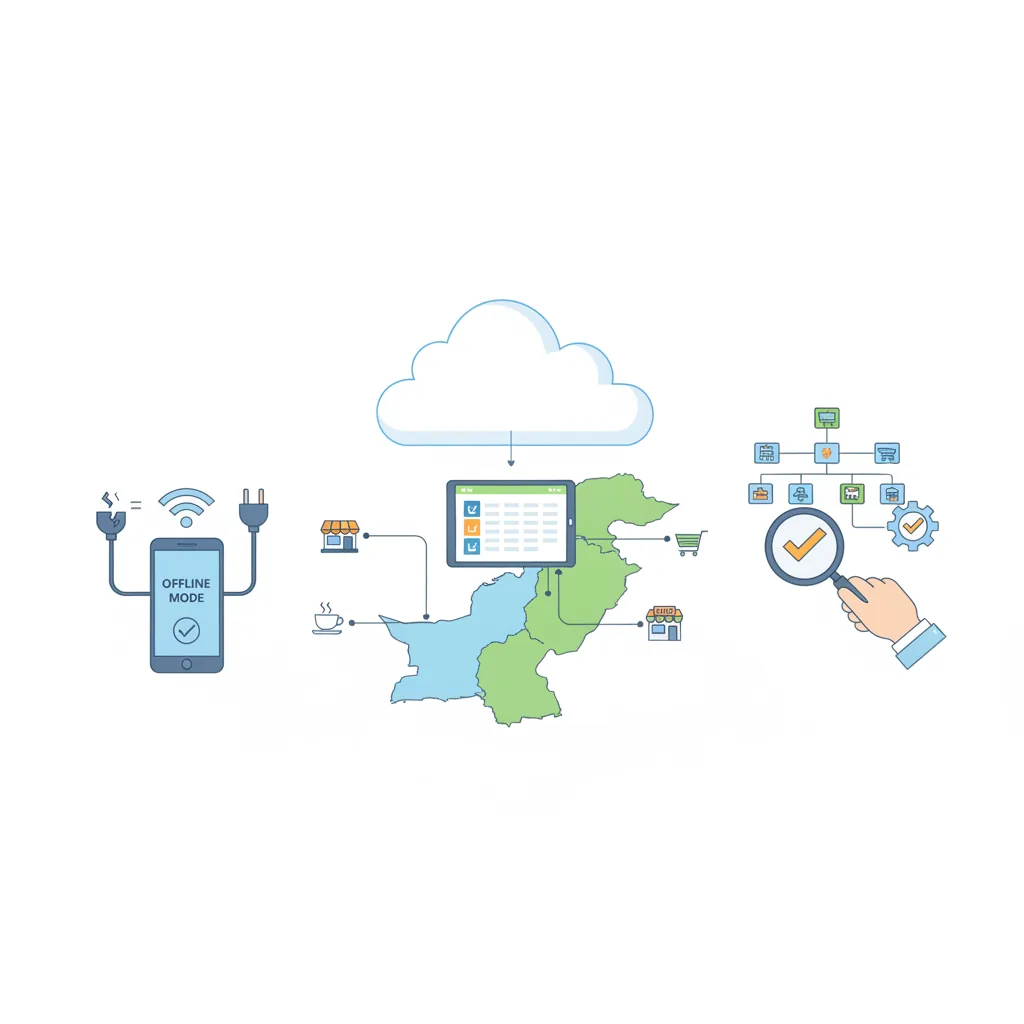
- Works Online and Offline: Internet hiccups should never halt sales at the counter. CloudPOS continues processing bills and capturing transaction records completely offline; the moment your connection recovers, data syncs automatically to secure cloud servers.
- Instant Real-Time Inventory Sync: The moment a POS debit transaction finishes, CloudPOS deducts the sold batch, updates stock levels instantly, and fires automated low-stock alerts so you never face surprise stockouts.
- Comprehensive Sales Analytics and Tender Audits: View detailed breakdowns of cash versus debit card sales across every terminal and cashier shift. Managers can identify discrepancies in seconds without digging through hundreds of paper slips.
- Multi-Branch Visibility from Anywhere: Oversee multiple store locations from a single dashboard. Business owners can monitor card collections, branch sales velocity, and employee performance right from their mobile phones via dedicated apps.
Moving from Cash Friction to Modern Retail Control
A POS debit card transaction is more than an entry on a bank statement—it is the backbone of modern, frictionless retail. By moving customers away from slow cash counting and reducing the risk of counter mismatch, digital debit payments help Pakistani retailers speed up checkout lines and elevate shopper trust.
However, payment hardware is only as good as the software supporting it. When your retail software automatically logs tenders, reconciles shift closings, and syncs your inventory without manual re-entry, your cash counter transforms into a powerful driver of business growth.
Ready to eliminate checkout bottlenecks and gain complete control over your daily sales, stock, and payment records? Book a free CloudPOS demo today and discover how a modern, offline-ready retail system can simplify your business.
Related reading: Pakistan's cashless momentum · How to stop losing money to cash mismatch · CloudPOS wallet management