How to Test-Drive POS Software in Pakistan: A Practical Live Demo Evaluation Guide
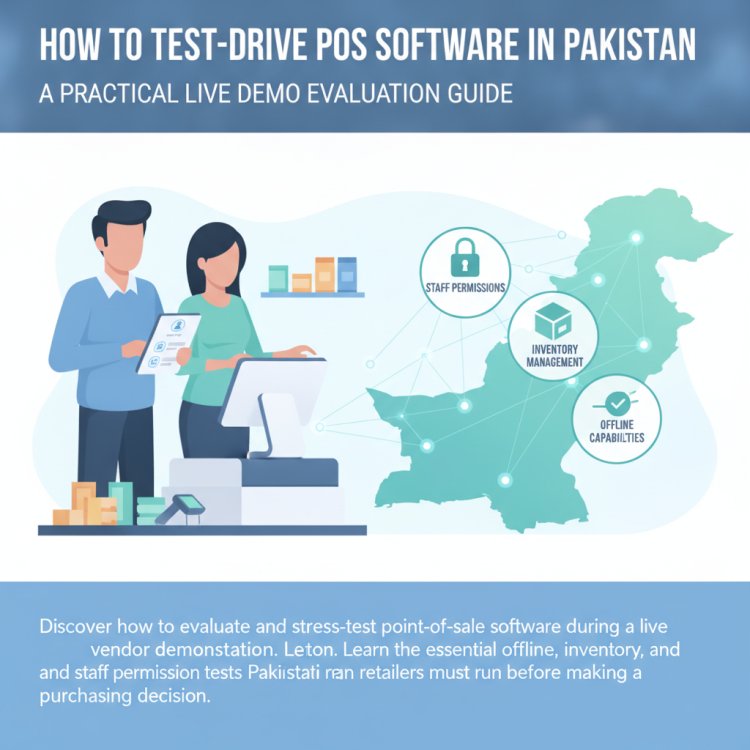
Discover how to evaluate and stress-test point-of-sale software during a live vendor demonstration. Learn the essential offline, inventory, and staff permission tests Pakistani retailers must run before making a purchasing decision.
In this article
- Why Scripted Demos Hide Real Counter Bottlenecks
- 6 Hands-On Stress Tests to Run During a POS Demo
- 1. The "Pull the Plug" Offline Resilience Test
- 2. The Messy Refund and Item Exchange Test
- 3. The Staff Permission and Role Access Test
- 4. The Device Agility and Hardware Compatibility Test
- 5. The Low-Stock and Reordering Workflow
- 6. The Multi-Store & Remote Monitoring Test
- Your POS Demo Evaluation Scorecard
- Evaluating After-Sales Support and Data Safety
- How CloudPOS Helps You Test and Decide with Confidence
- Make an Informed Decision for Your Business
Every point of sale software vendor can make their product look lightning-fast during a scripted, 15-minute sales presentation. The representative opens a pre-configured demo account with five clean products, scans a barcode with a practiced flick of the wrist, prints a test receipt, and declares the platform completely seamless.
However, the true test of POS software does not happen inside a staged sales pitch. It happens at 8:30 PM on a busy Saturday night when the local broadband cuts out, three customers are waiting in queue, a shopper wants to exchange an unstitched garment without an invoice number, and your newly hired cashier needs manager approval for a partial discount. If your software stumbles during those pressure points, your checkout line stalls, your accounting gets distorted, and your daily profits leak away.
When choosing a POS system for your retail shop, restaurant, pharmacy, or wholesale business in Pakistan, taking the driver's seat during the product demo is crucial. Rather than watching a passive slideshow, here is a practical guide on how to test-drive POS software before signing a contract or paying a single rupee.
Why Scripted Demos Hide Real Counter Bottlenecks
A standard vendor demo is designed to showcase the easiest, most polished paths through the software: ringing up a standard product, collecting exact cash, and printing an invoice. Yet everyday Pakistani retail operations face specific structural friction that standard demo scripts gloss over:
- Unreliable internet connections: Fiber and mobile broadband drops are regular occurrences in commercial markets from Karachi to Peshawar. A system that pauses or locks its register when the connection drops will paralyze your counter.
- High staff turnover and varied digital literacy: If training a cashier takes three weeks because the software interface feels like complex accounting software from 2002, human error will plague your daily closing.
- Internal theft and margin leakage: Cashiers editing item prices, canceling invoices after customers walk out with goods, or viewing wholesale purchase prices can undermine your gross margins.
- Disconnected multi-branch stock: Many legacy systems claim to support multiple outlets, but rely on manual end-of-day file exports that fail to give you a live picture of branch transfers and central warehouse balances.
To avoid choosing the wrong software, ask the vendor to share screen control or stand at the terminal yourself. Run real-world scenarios through the system rather than accepting rehearsed examples.
6 Hands-On Stress Tests to Run During a POS Demo
Before your next software walkthrough, prepare a list of realistic scenarios reflecting your daily operations. Here are six hands-on stress tests to run during the live demo.
1. The "Pull the Plug" Offline Resilience Test
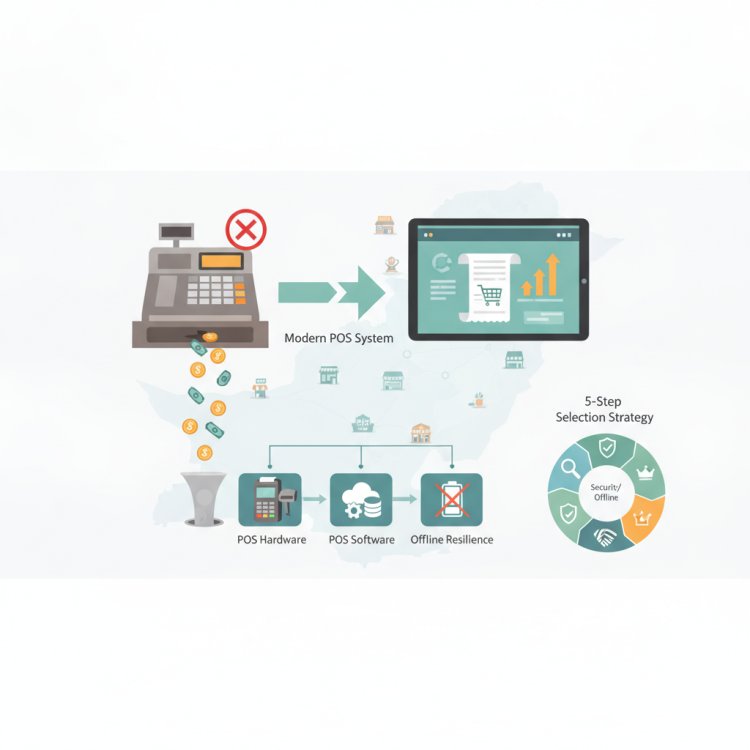
Never take "yes, it works offline" at face value. Ask the vendor to disconnect the terminal from Wi-Fi or unplug the ethernet cable right in front of you. While the device is disconnected, perform the following actions:
- Scan three existing products and ring up a cash transaction.
- Check whether thermal printing functions normally without an active server ping.
- Apply an item-level discount and complete the bill.
- Reconnect the internet and verify whether the transaction data, stock deduction, and sales summary sync automatically to the central database without duplicating records or freezing the terminal.
A dependable modern POS must operate with dual online/offline capability so counter staff can continue billing customers smoothly even during extended broadband outages.
2. The Messy Refund and Item Exchange Test
Selling an item is simple; returning or exchanging it is where poor software architectures collapse. Ask the sales consultant to execute a partial exchange where a customer returns a product purchased yesterday and buys a higher-priced item today, paying the difference in cash.
Observe what happens behind the scenes: Does the returned item instantly restore itself to available stock? Does the register cash drawer balance reflect only the net difference? Does the system maintain an audit record of who accepted the return, or does it leave room for unverified inventory manipulation?
3. The Staff Permission and Role Access Test
Internal controls protect your bottom line. Ask the demonstrator to log in under a standard cashier profile rather than an administrator account. Check whether the cashier can:
- View the purchase price or supplier margin on the billing screen (they should only see the retail price).
- Apply an arbitrary manual discount without manager authorization.
- Void a scanned line or delete a completed transaction without a supervisory PIN.
- View total daily store collections before performing their blind shift closing.
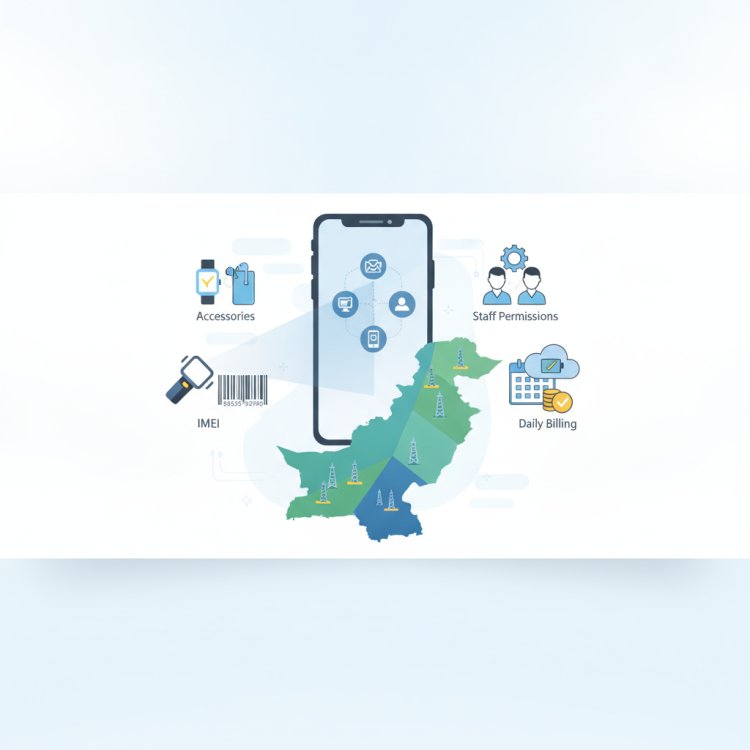
Granular access controls ensure that your employees have the tools to bill efficiently without gaining unauthorized access to proprietary financial data.
4. The Device Agility and Hardware Compatibility Test
Many traditional POS vendors require expensive, proprietary touchscreen all-in-one machines that lock you into specific hardware maintenance contracts. During your demo, inquire about device flexibility:
Can the software operate on standard Windows desktop PCs, Android tablets, or handheld mobile devices? Can floor managers perform stock counts on mobile phones while billing continues at the primary counter? Ask the vendor to demonstrate standard thermal receipt printing (such as 80mm or 58mm formats) and standard USB or Bluetooth barcode scanner connectivity to confirm you are not locked into proprietary accessories.
5. The Low-Stock and Reordering Workflow
Billing is only half of the retail equation; inventory control protects your working capital. Pick a fast-moving item and adjust its quantity down to its reorder threshold during the demo.
Check how the system alerts you. Does it display an automated low-stock warning? Does it generate a purchase order draft for the assigned vendor, or does it force your purchase manager to inspect physical shelves manually? Real-time stock alerts prevent costly stockouts during peak shopping periods.
6. The Multi-Store & Remote Monitoring Test
If you operate multiple shops or plan to open a second branch, request to see the consolidated multi-store view. Ask the demonstrator to show:
- How branch-to-branch inventory transfers are initiated, tracked in transit, and received at the destination store.
- Whether you can view live branch-level sales summaries from an executive mobile app while away from your shop.
- Whether customer profiles and purchase histories sync across branches so loyal customers enjoy a unified experience at any location.
Your POS Demo Evaluation Scorecard
Print or save this structured checklist to score each POS vendor objectively during your evaluation calls:
- Checkout Speed (Score 1–5): Does adding items, scanning barcodes, and finalizing payment take fewer than 15 seconds?
- Offline Durability (Score 1–5): Does billing continue seamlessly without an active internet connection, with automatic background syncing once back online?
- Inventory Tracking (Score 1–5): Does every transaction decrement stock in real time across variants, batches, or serial numbers, supported by automated low-stock notifications?
- Access Security (Score 1–5): Can administrative privileges, profit margins, and discount thresholds be restricted by employee role?
- Hardware Independence (Score 1–5): Does the platform work across desktop computers, tablets, and mobile devices without proprietary hardware requirements?
- Centralized Multi-Outlet Control (Score 1–5): Can you monitor multiple branches, transfer stock, and consolidate reports from a single administrative account?
- Audit Trails & Analytics (Score 1–5): Are daily shift registers, payment breakdowns, and staff performance metrics clearly visible?
- Local Implementation & Support (Score 1–5): Does the vendor provide responsive phone and digital support based in Pakistan, with established implementation assistance?
A high software score on paper means very little if your cashier cannot learn the billing screen within an hour. Prioritize clean user interfaces and operational reliability over complex, unnecessary menus.
Evaluating After-Sales Support and Data Safety
Beyond feature buttons, a POS system is an operational backbone you rely on every working day. Before making your final decision, examine the vendor's underlying architecture and support model.
Confirm how your data is backed up. Desktop-only legacy installations that store databases exclusively on local hard drives leave your business vulnerable to hardware crashes, hard disk failure, or local data corruption. Modern cloud infrastructures should provide automated offsite backups and redundant server architectures so your operational history is never lost.
Additionally, clarify support accessibility. When an unexpected hardware switchover occurs on a busy weekend, you need direct access to a dedicated support team that understands local commercial realities, rather than waiting days for an email reply.
How CloudPOS Helps You Test and Decide with Confidence
If you are actively shortlisting point of sale platforms in Pakistan, CloudPOS (https://cloudpos.pk) is built specifically around the everyday operational challenges of local retailers, wholesalers, and service businesses.
Rather than locking you into rigid setups, CloudPOS brings together cloud agility and local reliability:
- True Online & Offline Billing: Keep ringing up sales when the internet drops. CloudPOS maintains uninterrupted counter billing offline and automatically synchronizes all transaction and stock records to the cloud once connectivity resumes.
- Multi-Device Flexibility: Run your counter on standard desktop PCs, tablets, or mobile phones. Business owners can track live store performance and sales analytics from anywhere via dedicated mobile apps.
- Real-Time Inventory & Smart Alerts: Manage items, barcodes, and variants effortlessly. Automated low-stock alerts notify you before popular inventory runs out, preventing missed revenue.
- Comprehensive Staff Management: Protect your margins with role-based access control. Track individual staff sales, record shift attendance, and restrict sensitive wholesale pricing and unauthorized discounts.
- Multi-Store Expansion from Day One: Manage single-counter shops or multi-branch retail networks across different cities from a unified dashboard, complete with inter-store transfers and consolidated reporting.
- Robust Enterprise Foundation: Benefit from an AI-powered ERP engine covering procurement, customer management, and finance, backed by a resilient cloud architecture featuring live servers, replica systems, automatic offsite backups, and secure two-factor authentication.
- Local Integration & Support: Based in Gujrat, CloudPOS serves hundreds of businesses across Pakistan—ranging from grocery, garments, and pharmacies to electronics, restaurants, and wholesale trade—with full FBR compliance support and responsive local assistance.
Make an Informed Decision for Your Business
Choosing a POS platform is one of the highest-leverage operational choices you will make as an owner. The right system eliminates stock discrepancies, prevents unauthorized discounts, and gives you total visibility over your stores whether you are sitting behind the counter or traveling across the country.
Take charge of your evaluation process. Put vendor claims to the test using real-world scenarios, verify how the software behaves under offline conditions, and ensure the platform can scale alongside your growth.
Ready to see how a modern, offline-ready cloud platform handles your daily store workflow? Contact our Gujrat-based team at +92 309 308 9999, email info@cloudpos.pk, or book a free CloudPOS demo today to test-drive the software hands-on.