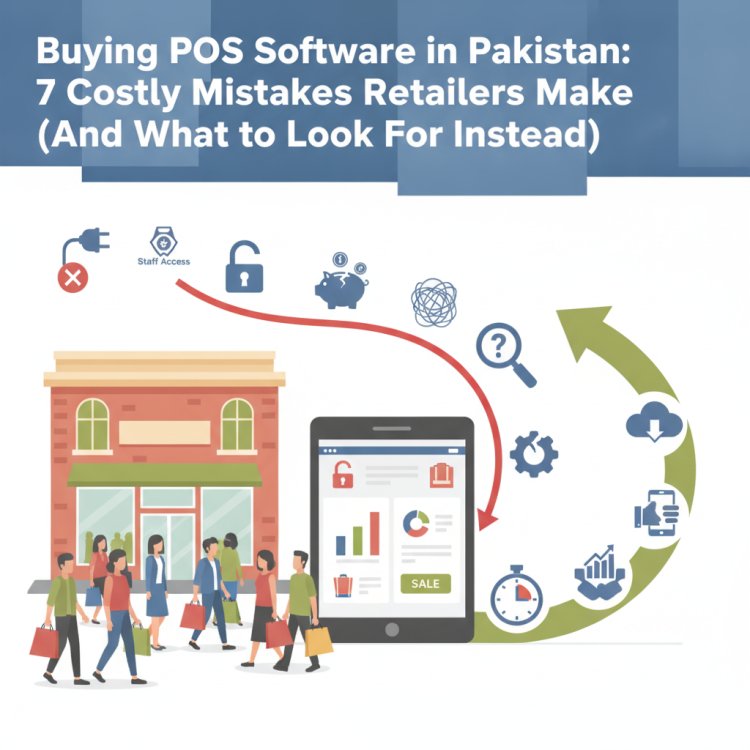
Buying POS Software in Pakistan: 7 Costly Mistakes Retailers Make (And What to Look For Instead)
Selecting point of sale software is one of the most critical operational decisions a Pakistani business owner makes. Avoid these seven expensive mistakes—ranging from ignoring offline resilience to overlooking staff access permissions—and use our practical evaluation framework to choose a system that scales your business safely.
In this article
- 1. Choosing an Online-Only POS Without Offline Continuity
- 2. Buying Generic Billing Software That Ignores Industry-Specific Workflows
- 3. Overlooking Granular Staff Access Controls and Audit Trails
- 4. Locking Your Business into an Isolated Single-PC System
- 5. Settling for Basic Billing Instead of Automated Inventory Control
- 6. Ignoring Omnichannel and Hardware Compatibility
- 7. Buying Based on a Polished Presentation Instead of a Stress Test
- The Pre-Purchase POS Evaluation Checklist
- How CloudPOS Helps Pakistani Businesses Choose with Confidence
- Make Your Next POS Investment Your Last
Every week across Pakistan, store owners sign up for point of sale (POS) software expecting it to end their stock discrepancies, eliminate counter queues, and give them control over daily profits. Six months later, many find themselves trapped with a slow, clunky program that freezes whenever the internet flickers, allows staff to override prices unchecked, and cannot handle a second branch.
Replacing a POS system after your products, barcode labels, customer lists, and staff are already tied to it is painful, expensive, and disruptive. With State Bank of Pakistan payment system data showing that formal digital retail transactions and merchant touchpoints continue to surge year after year, choosing the right digital nervous system for your business is no longer an afterthought—it is the foundation of your profitability.
If you are actively comparing POS software for your retail shop, supermarket, pharmacy, restaurant, or wholesale business, here are seven costly mistakes to avoid before you commit.
1. Choosing an Online-Only POS Without Offline Continuity
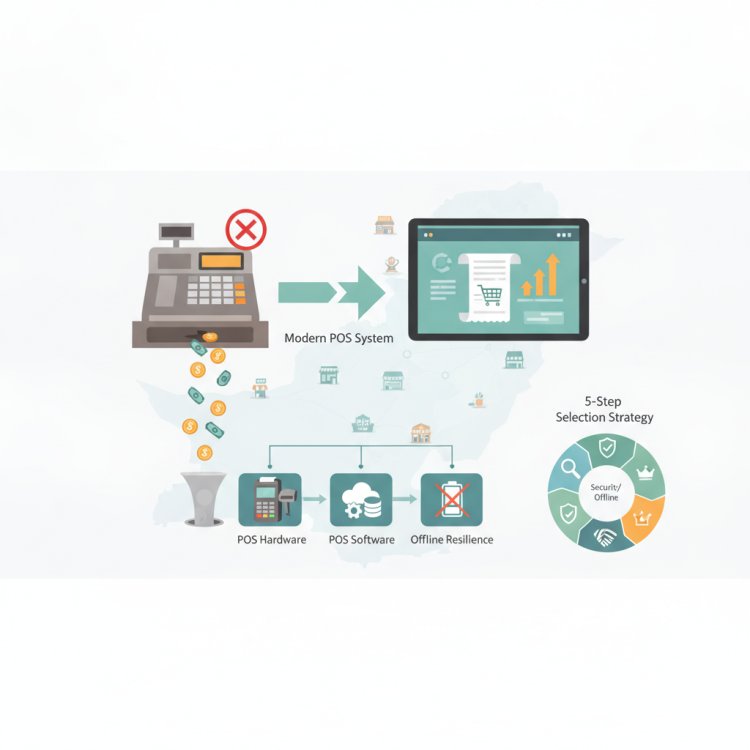
In Pakistan’s commercial hubs—whether you are operating in Saddar Karachi, Liberty Market Lahore, or Raja Bazaar Rawalpindi—internet outages, fiber cuts, and cellular slowdowns during peak evening hours are routine operational realities. If your POS software requires a constant internet connection to scan an item, apply a discount, or print a receipt, a momentary ISP glitch will paralyze your cash counter.
Customers will not wait patiently in line while your cashier reboots the router. When lines stall, baskets are abandoned and revenue is lost permanently.
What to look for instead: Demand a hybrid architecture that works online and offline seamlessly. Your cashiers should be able to ring up sales, process discounts, and print customer invoices locally without any active internet connection. As soon as connectivity restores, the system should automatically sync sales, inventory deductions, and shift logs to the cloud without manual intervention or data corruption.
2. Buying Generic Billing Software That Ignores Industry-Specific Workflows
A supermarket checkout operates very differently from a fashion boutique, a pharmacy, or an electronics dealership. Many business owners buy a basic "retail billing program" only to realize too late that it lacks the specific data fields and workflows their industry demands:
- Pharmacies and medical stores: Require strict batch number tracking, expiry date monitoring, and unit-of-measure conversions (strips vs. boxes).
- Mobile phone and electronics shops: Cannot operate without individual IMEI and serial number tracking across purchasing, sales, and warranty claims.
- Garment and footwear stores: Need matrix variant handling (style, size, and color combinations) under a unified parent product code so cashiers can scan unique barcodes quickly.
- Restaurants and cafes: Require kitchen order tickets (KOT), table management, and split-billing capabilities.
- Salons and service businesses: Need service menus, appointment tracking, and staff commission calculations tied to individual stylist sales.
Before paying any deposit, verify that the POS supports your exact category workflows out of the box, rather than forcing you to adapt your business to rigid, generic software.
3. Overlooking Granular Staff Access Controls and Audit Trails
Internal inventory shrinkage and unauthorized counter discounts account for substantial revenue leakage in Pakistani retail. When POS software treats every login with the same administrator privileges, you invite operational disaster.
If cashiers have unrestricted ability to edit product prices on the fly, delete line items after a customer walks away, issue unapproved refunds, or view your supplier cost prices, your margins will steadily erode. Many business owners only realize this loophole exists when their cash drawer mismatches become unmanageable.
What to look for instead: Insist on role-based permission controls. A regular billing clerk should only have permission to scan, accept payment, and complete the bill. Sensitive actions—such as processing product returns, issuing manual discounts, voiding finalized bills, or editing master inventory costs—must require a manager passcode override and generate an automatic audit trail.
4. Locking Your Business into an Isolated Single-PC System
Traditional legacy POS systems store their entire database on a single computer under the cash counter. While this model was common a decade ago, it creates severe bottlenecks for growing businesses today:
- Zero remote oversight: If you step away from the shop to visit suppliers or take a personal trip, you have no way to view real-time sales, cash balances, or daily margins without calling the cashier.
- Disastrous hardware failure risk: If the local hard drive fails or suffers a power surge, months or years of transaction history, supplier ledgers, and inventory counts vanish overnight.
- Multi-branch paralysis: Opening a second or third location requires maintaining separate, disconnected databases, forcing you to consolidate sales spreadsheets by hand every weekend.
A modern POS must scale with your ambition. A secure cloud backend backed by automated offsite backups ensures you can open a new branch, add extra billing lanes during Eid rushes, or monitor outlet performance straight from a mobile app without overhauling your software setup.
5. Settling for Basic Billing Instead of Automated Inventory Control
A POS system should not be a glorified electronic calculator. Its primary value lies in protecting your working capital through automated inventory management.
When businesses choose software that merely records the sale without tracking live reorder levels, two costly problems occur:
- Stockouts on high-velocity items: Fast-moving SKUs run out unnoticed during busy weekends, handing sales directly to nearby competitors.
- Overstocking slow movers: Cash is tied up in dead stock gathering dust on back shelves because nobody tracked turnover rates.
Ensure the POS provides real-time stock deductions at the moment of barcode scanning, accompanied by automated low-stock alerts that warn you before critical items drop below safety thresholds.
6. Ignoring Omnichannel and Hardware Compatibility
Retail in Pakistan is increasingly omnichannel. Today's customers discover items on social media, browse via WhatsApp or an eCommerce store, and expect in-store collection or home delivery. If your POS cannot connect with your eCommerce channels, you will constantly face the embarrassment of selling products online that were already purchased at your physical checkout an hour earlier.
Similarly, beware of vendors who lock you into expensive, proprietary hardware. Your software should be versatile enough to run smoothly across standard PCs, laptops, Android tablets, and dedicated POS terminals, while integrating effortlessly with standard thermal receipt printers, barcode scanners, and cash drawers.
7. Buying Based on a Polished Presentation Instead of a Stress Test
Vendor sales representatives are skilled at showing pre-loaded demo accounts where everything clicks instantly. But a demo with five products and zero queues is completely different from running your shop on a Saturday night with twenty customers waiting at the till.
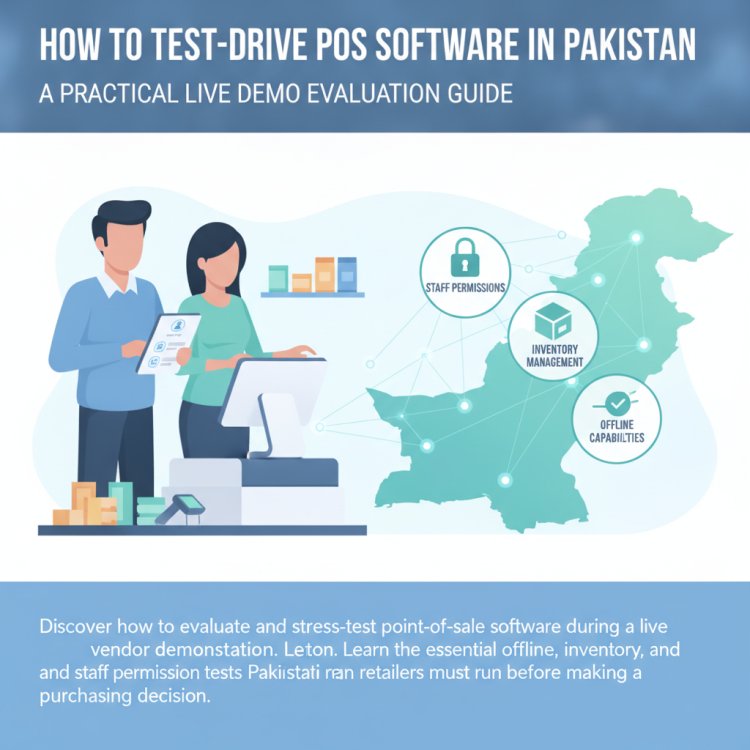
Rule of thumb: Never sign a contract based on a slide deck. Test the software yourself using your store’s real-world conditions: scan multiple items rapidly, simulate an item return, apply a percentage discount, create a new customer profile, disconnect the Wi-Fi mid-transaction, and check the daily closing report.
The Pre-Purchase POS Evaluation Checklist
Save this 6-point evaluation rubric before attending your next software demonstration:
- [ ] Offline Continuity: Can cashiers continue barcode scanning and receipt printing without an active internet connection?
- [ ] Hardware Freedom: Does the software run on multiple operating systems (desktop, tablet, mobile) using standard plug-and-play USB/Bluetooth peripherals?
- [ ] Security & Access Control: Can you restrict cashier permissions (preventing unauthorized price overrides, invoice deletions, and discounts) and verify actions via an audit log?
- [ ] Live Inventory Control: Does the system trigger smart low-stock warnings and support variant/batch/IMEI management suited to your specific industry?
- [ ] Multi-Store & Remote Monitoring: Can you manage multiple branches, review consolidated sales reports, and track real-time revenue from a mobile app?
- [ ] Local Support & Compliance: Does the vendor offer accessible support in Pakistan, alongside built-in support for digital invoicing and local regulatory integrations (such as FBR compliance)?
How CloudPOS Helps Pakistani Businesses Choose with Confidence
CloudPOS was built specifically to solve the unique operational hurdles faced by retailers, restaurants, service centers, and wholesale businesses across Pakistan.
Whether you manage a single neighborhood grocery, a multi-chair salon, a garment store, or a pharmacy chain, CloudPOS delivers the reliability you need on the shop floor:
- True Online & Offline Operation: Keep billing at maximum speed during internet interruptions. Transactions print locally and sync to the cloud automatically the second connectivity returns.
- Industry-Tailored Modules: Track mobile phone IMEIs, manage medical batches and expiry dates, organize clothing size-color variants, or handle restaurant kitchen tickets and salon stylist sales effortlessly.
- Multi-Branch Visibility: Manage inventory, transfer stock between outlets, and review branch-level profit and loss from one centralized master account.
- Mobile Apps for Business Owners: Step away from the store with complete peace of mind. Monitor live counter sales, top-selling items, and shift audits on your phone from anywhere.
- Bulletproof Data Protection: Built on a secure cloud architecture featuring live and replica servers, automated offsite backups, two-factor authentication, and end-to-end encryption.
- Integrated Business Ecosystem: From real-time inventory alerts, employee sales tracking, and customer loyalty profiles to eCommerce integration, courier management, and built-in FBR compliance, CloudPOS serves as a complete, AI-powered business management platform.
Make Your Next POS Investment Your Last
Switching POS systems is not something you want to do twice. By rejecting rigid, single-device programs and internet-dependent systems, you protect your counter from downtime, shield your profits from leakage, and set up your business to scale into new branches seamlessly.
Take the time to evaluate your software provider against real operational scenarios. If you are ready to see how an intuitive, offline-ready cloud platform can transform your counter operations, book a free CloudPOS demo today and test-drive the platform built for Pakistani commerce.