Choosing the Best POS Software in Pakistan: A Practical Buyer’s Guide for Retailers
A practical guide for Pakistani business owners comparing POS systems. Learn what to look for, key questions to ask, and how to shortlist effectively—with a helpful checklist and insight into how CloudPOS supports your decision.
In this article
Choosing the right POS software can feel overwhelming—especially when you’re juggling inventory, billing, digital payments, and FBR compliance. This guide walks you through the essential criteria, offers a handy checklist, and shows how to confidently shortlist and demo POS options that fit your business needs.
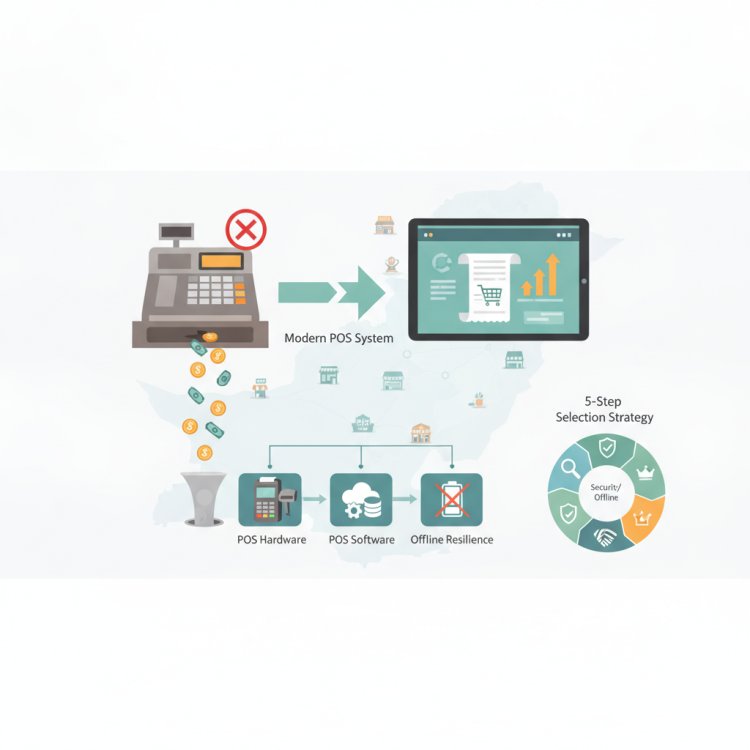
1. What a Good POS Must Offer in Pakistan
- FBR‑integrated billing & compliance: Ensure the POS integrates with FBR via a licensed integrator, as mandated since mid‑2025 for both corporate and non‑corporate registered persons. ([fbr.gov.pk](https://fbr.gov.pk/faqs/173967/173969?utm_source=openai))
- Offline billing with automatic sync: Your POS should continue billing without internet and sync data once connected—crucial in areas with unstable connectivity.
- Support for digital payments: With 92% of retail transactions now happening through digital channels, including mobile wallets, QR codes, and Raast, your POS must handle these seamlessly. ([sbp.org.pk](https://www.sbp.org.pk/psd/pdf/PS-Review-Q3FY26.pdf?utm_source=openai))
- Inventory and multi‑store management: Real‑time stock tracking, low‑stock alerts, and centralized control across branches help avoid stockouts and overstocking.
- Customer & employee management: Features like purchase history, staff sales tracking, attendance, and access control boost efficiency and accountability.
- Security & backups: Look for secure cloud architecture with live and replica servers, automatic offsite backups, two‑factor authentication, IP allowlisting, and encryption.
- Reports & analytics: Sales trends, inventory reports, and analytics help you make informed decisions fast.
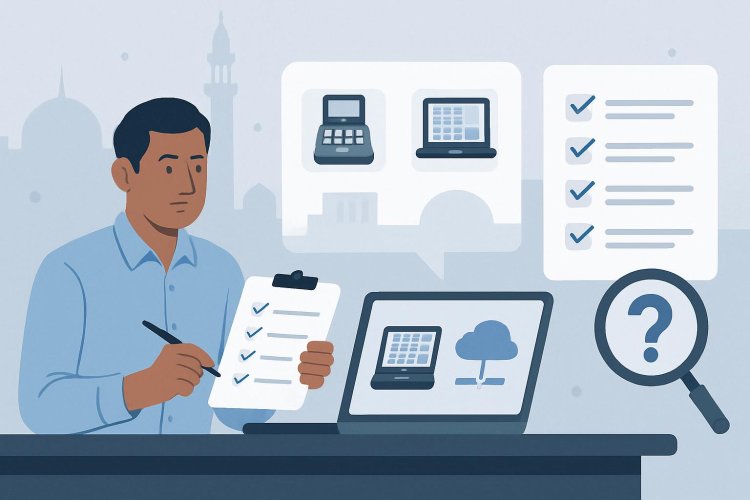
2. Checklist: Questions to Ask Before Buying
- Does the POS integrate with FBR through a licensed integrator and support electronic invoicing as required since June/July 2025? ([fbr.gov.pk](https://fbr.gov.pk/faqs/173967/173969?utm_source=openai))
- Can it operate offline and sync automatically when online?
- Does it support major digital payment channels—mobile wallets, QR, Raast, cards?
- Does it offer real‑time inventory alerts and multi‑store management?
- Are customer and employee modules included?
- What security measures are in place—backups, encryption, two‑factor authentication?
- What kind of reporting and analytics are available?
- Is there eCommerce, courier, or payment gateway integration?
- What devices does it run on—desktop, tablet, mobile?
- Is there a free demo or callback option?
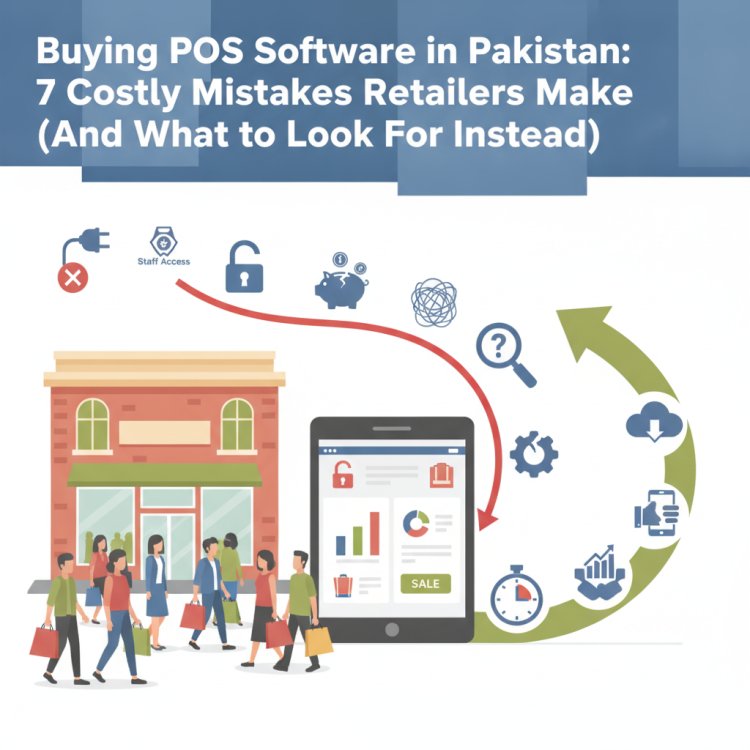
3. Mistakes to Avoid When Choosing a POS
- Ignoring FBR compliance: Non‑compliant POS systems can lead to penalties and audit issues.
- Overlooking offline capability: Without offline billing, sales can halt during internet outages.
- Neglecting digital payment readiness: With digital channels dominating retail payments, missing support for Raast or wallets means lost sales. ([sbp.org.pk](https://www.sbp.org.pk/psd/pdf/PS-Review-Q3FY26.pdf?utm_source=openai))
- Choosing based on price alone: Cheaper systems may lack essential modules or security features.
- Skipping the demo: A hands‑on test reveals usability, speed, and support quality.
4. How to Shortlist and Demo Effectively
Start by narrowing options to those that tick your must‑have boxes—especially FBR integration, offline billing, and digital payment support. Request demos and evaluate:
- Ease of use: Can your staff learn it quickly?
- Speed: Does billing stay fast even with large inventories?
- Support: Is help available locally and promptly?
- Scalability: Can it grow with your business—more stores, more products?
Ask for real‑world examples or case studies from similar businesses (e.g., pharmacies, salons, grocery stores) to see how the POS performs in practice.
How CloudPOS Helps
- Full FBR integration: CloudPOS is FBR‑integrated and compliant, ensuring you meet legal invoicing requirements.
- Offline billing with auto‑sync: Billing continues without internet and syncs automatically when connected.
- Supports digital payments: Works with QR, wallets, Raast, cards, and integrates with eCommerce and payment gateways.
- Inventory & multi‑store management: Real‑time stock tracking, low‑stock alerts, and centralized control across branches.
- Customer & employee modules: Track purchase history, staff sales, attendance, and access control.
- Secure cloud architecture: Live and replica servers, automatic offsite backups, two‑factor authentication, IP allowlisting, and encryption.
- Reports & AI‑powered ERP: Sales analytics, finance, procurement, CRM—all powered by AI.
- Device flexibility: Runs on desktop, tablet, and mobile, with dedicated apps to track sales from anywhere.
- Free demo available: Try before you commit and see how it fits your business.
Conclusion
Choosing the right POS in Pakistan means balancing compliance, reliability, digital payment readiness, and operational efficiency. Use the checklist above to evaluate your options and avoid common pitfalls. A strong POS should simplify billing, inventory, staff management, and reporting—while keeping you compliant and ready for a digital future.
Book a free CloudPOS demo today to see how it meets your needs and helps you confidently choose the right POS for your business.