10 Critical Questions to Ask a POS Vendor in Pakistan Before You Buy
Choosing the wrong POS software can paralyze your checkout counter, scramble inventory, and blindside your cash flow. This practical buyer\'s guide gives Pakistani retail, wholesale, and service business owners a field-tested checklist of 10 essential questions to ask during any POS software demo before signing a contract.
In this article
- 1. "What happens at checkout when our internet connection drops?"
- 2. "Can I manage multiple branches and stock transfers from a single login?"
- 3. "How does the system handle my specific industry workflows?"
- 4. "What access controls protect against till tampering and unauthorized discounts?"
- 5. "Can I monitor store performance on my phone when I am away from the shop?"
- 6. "How does the inventory module alert me before items run out?"
- 7. "Can the system connect seamlessly to eCommerce and delivery channels?"
- 8. "What hardware is required, and am I locked into proprietary equipment?"
- 9. "How is our business data backed up and safeguarded against system crashes?"
- 10. "Does the software support standard digital tax invoicing and regulatory compliance?"
- The 5-Minute Vendor Demo Scorecard
- 4 Warning Signs During a Software Demo
- How CloudPOS Helps Pakistani Businesses Grow with Confidence
- Make Your Decision Based on Proof, Not Promises
Most point-of-sale software demos look flawless on paper. A sales representative sits at a pristine desk, scans three test products with pre-printed barcodes, prints a sample receipt in three seconds, and shows you a colourful dashboard of simulated profits. In that controlled presentation, everything appears fast, simple, and modern.
Then real life happens on the commercial streets of Lahore, Karachi, or Rawalpindi. The shop broadband disconnects during an evening rush. A cashier figures out how to edit a discount without manager approval. A shipment of 300 apparel items arrives with multiple size and colour variations, and the system fails to track which branch has what in stock. Suddenly, the software you bought to simplify your life becomes the single biggest operational headache in your business.
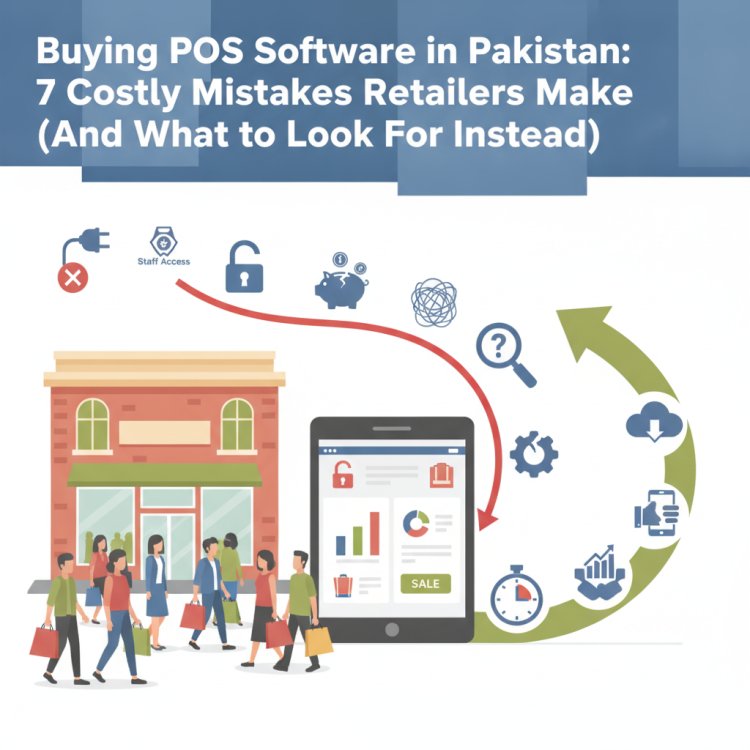
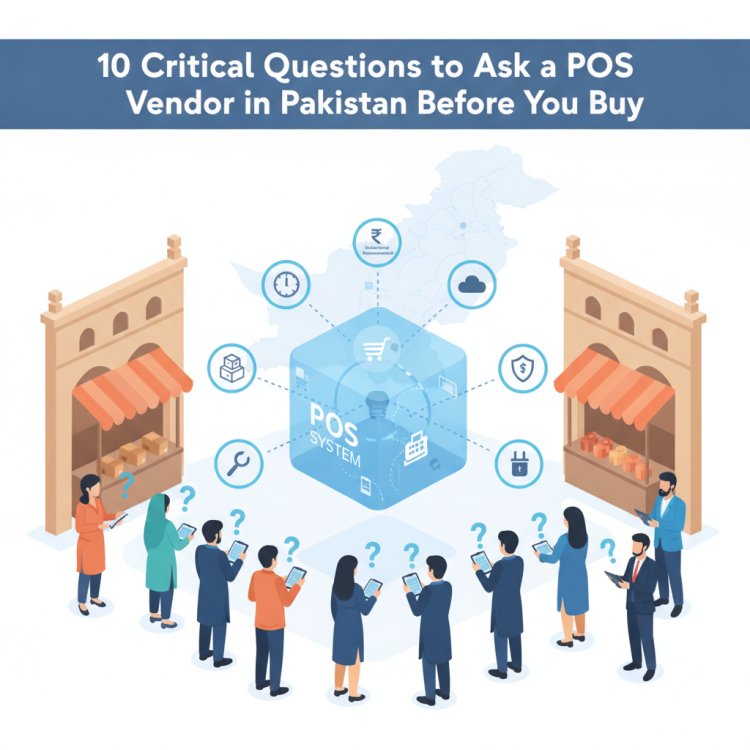
If you are actively comparing POS software in Pakistan, you are at a decisive stage. You should not judge software by how well a vendor navigates a rehearsed slide deck. You need to put the vendor through a practical evaluation. Here are the 10 critical questions you must ask every POS vendor before making your final decision, along with the red flags to watch for during the demo.
1. "What happens at checkout when our internet connection drops?"
In Pakistan, internet reliability remains an everyday operational challenge. Whether caused by local fiber cuts, cellular disruptions, or routine utility downtime, your store cannot afford to stop billing customers while a line builds up at the till.
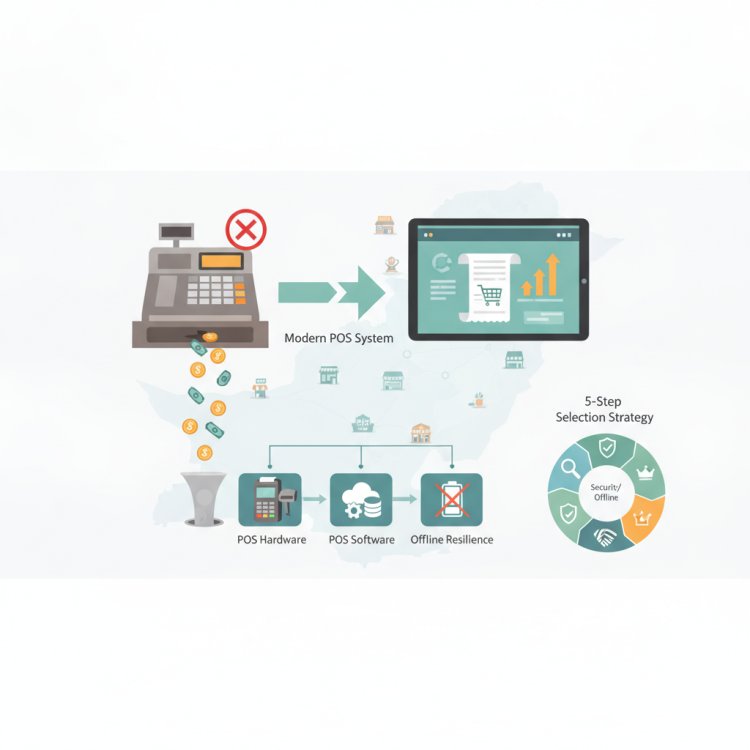
Many systems marketed as "modern cloud POS" are simply browser-based web applications. If your router loses signal, the browser tab freezes, and your cashiers are forced back to pen and paper. Ask the vendor directly: "Can this terminal generate invoices, ring up barcode items, process cash, and print customer receipts completely offline?"
Verify that the software saves offline sales locally and automatically synchronizes those transactions to the cloud database the moment the connection restores—without manual exports, data duplication, or cashier intervention.
2. "Can I manage multiple branches and stock transfers from a single login?"
Even if you operate a single store today, you should never invest in software that traps you there. Growing from one shop to two or three outlets is difficult enough without having to maintain separate databases or juggle multiple disconnected accounts.
Ask the vendor to demonstrate how a multi-outlet setup actually works:
- Can an owner check live revenue for Branch A and Branch B from a unified screen?
- Does the system support inter-branch stock transfers and warehouse dispatches with proper dispatch and receiving confirmations?
- Can stock levels across all branches be queried instantly from any checkout counter when a customer requests a size or item not on your shelf?
3. "How does the system handle my specific industry workflows?"
A grocery store, an apparel boutique, a mobile electronics shop, and a pharmacy operate on completely different inventory mechanics. Generic billing tools force business owners into frustrating manual workarounds.
During the demo, demand that the vendor demonstrate your industry's exact workflow rather than a generic carton of milk:
- Garments and footwear: Can it track product matrices with size, colour, and season variants under one master product?
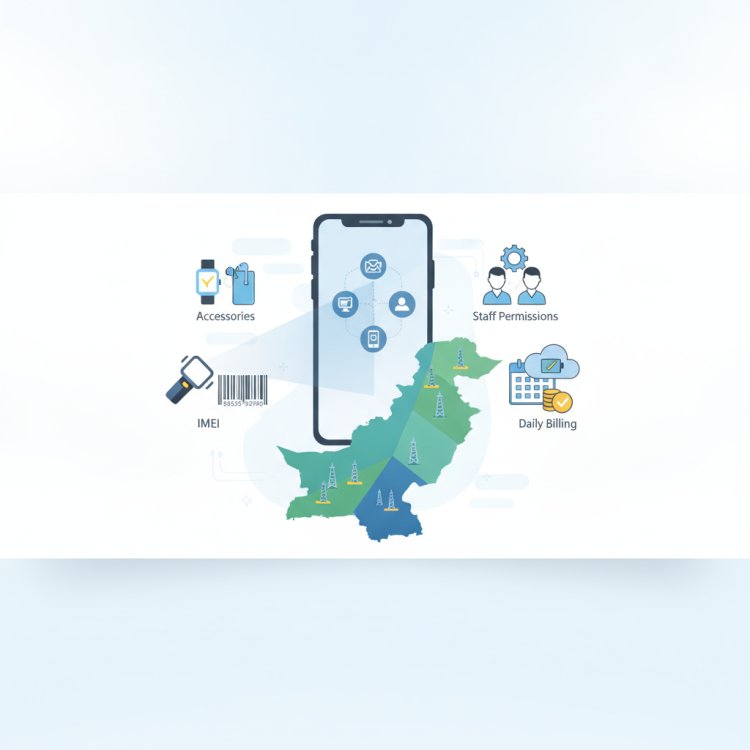
- Mobile and electronics: Does it support individual serial number and IMEI tracking from procurement to customer invoice?
- Pharmacies and medical stores: Does it record batch numbers, manufacturer details, and expiry dates with automatic alerts?
- Restaurants and cafes: Can it split bills, manage tables, and route kitchen order tickets (KOT) smoothly?
4. "What access controls protect against till tampering and unauthorized discounts?"
Inventory shrinkage and cash drawer leakage rarely happen through blatant theft; they happen in tiny, untracked increments. An employee gives an informal 10% discount to an acquaintance, deletes a line item after collecting cash from an in-a-hurry customer, or reprints an invoice to pocket the difference.
A reliable POS platform must provide granular user role permissions. Ask the vendor to show you what an ordinary cashier account can and cannot do. Can a cashier initiate an open discount or issue a cash refund without a manager entering an override code? Does the system maintain an unalterable audit log showing who opened the till drawer, who edited an order, and who approved a price change?
5. "Can I monitor store performance on my phone when I am away from the shop?"
As a business owner, your value lies in sourcing products, negotiating with suppliers, and expanding your operations—not sitting behind the cash counter twelve hours a day. You need full visibility into your business wherever you are.
Ask whether the vendor provides dedicated mobile applications for business owners on Android and iOS. Test the demo on a smartphone. Can you see live daily turnover, total cash collected versus digital payments, hourly sales peaks, and active register balances while travelling or sitting at home?
6. "How does the inventory module alert me before items run out?"
Stockouts cost Pakistani retailers enormous revenue. When a best-selling item runs out unnoticed, customers simply walk across the road to a competitor. Conversely, tied-up working capital in slow-moving deadstock drains your cash reserves.
Ask the vendor how the system automates replenishment:
- Does it support customized minimum and maximum threshold levels per SKU?
- Does it generate smart low-stock notifications before you hit zero?
- Can it convert low-stock reports into purchase orders directly inside an integrated procurement module, eliminating spreadsheet reconciliations?
7. "Can the system connect seamlessly to eCommerce and delivery channels?"
According to retail analysis by State Bank of Pakistan payment system reports, digital payment and digital commerce volumes have surged rapidly across the country. If you sell online through your own website, social media, or marketplace channels, managing inventory in two separate places leads to stock duplication and overselling.
Ask the vendor whether their POS links natively to your online store and integrates with courier management workflows. When a product sells in your physical outlet, does the available stock count drop immediately online, and vice versa?
8. "What hardware is required, and am I locked into proprietary equipment?"
Some vendors sell POS software at a nominal price, only to charge exorbitant fees for proprietary touchscreens, custom barcode scanners, or locked receipt printers that cannot be serviced locally. If a specialized printer breaks down on a Saturday, your whole counter halts until that single vendor ships a costly replacement.
Insist on an open, hardware-flexible architecture. Ask: "Can this POS run on standard Windows PCs, laptops, Android tablets, and iPads? Does it work with standard ESC/POS 80mm and 58mm thermal printers and USB or Bluetooth barcode scanners available widely across Hafeez Centre or Techno City?"
9. "How is our business data backed up and safeguarded against system crashes?"
Your sales ledger, customer accounts, and inventory history represent years of hard work. If your local shop computer suffers a hard drive crash, a power surge, or a malware infection, how fast can your business recover?
Legacy on-premise software depends on store staff remembering to plug in an external USB stick every evening—a task that is routinely skipped. Ask the vendor about their cloud architecture. Is data continuously synchronized to secure live cloud servers? Do they maintain replica servers and automated offsite backups? Is user access protected by two-factor authentication and IP allowlisting to prevent unauthorized remote logins?
10. "Does the software support standard digital tax invoicing and regulatory compliance?"
Retail regulations in Pakistan continue to evolve. Whether you are currently a Tier-1 retailer required to connect with the Federal Board of Revenue (FBR) POS integration system or a growing store preparing for formal digital invoicing standards, compliance should not require a costly, third-party patch.
Ask the vendor whether local digital tax calculation, customizable tax slabs, and regulatory invoice integration are built directly into the core billing module. If regulations update, will the vendor maintain the integration as part of their service, or will they charge you a steep custom development fee?
The 5-Minute Vendor Demo Scorecard
Print or save this evaluation scorecard before stepping into your next software demonstration. Score each vendor from 1 (Poor/Missing) to 5 (Excellent/Built-in):
The Practical POS Evaluation Checklist
- Offline Resilience: Billing functions with the router unplugged; auto-syncs when reconnected.
- Inventory Depth: Supports item variants (size/colour), batch numbers, or serial/IMEI tracking.
- Branch Scalability: Manages multiple locations, central stock transfers, and consolidated reports.
- Audit & Security: Enforces cashier roles, password-protected discounts, and drawer opening logs.
- Owner Mobility: Includes dedicated mobile apps for live sales, registers, and inventory tracking.
- Procurement Automation: Generates smart low-stock warnings and purchase orders within the system.
- Omnichannel Readiness: Connects in-store stock with eCommerce storefronts and courier services.
- Hardware Freedom: Runs smoothly across standard computers, tablets, and regular thermal printers.
- Data Protection: Uses automated cloud backups, server replication, and strong encryption.
- Local Compliance: Handles standard domestic tax calculations, receipts, and optional digital invoicing.
4 Warning Signs During a Software Demo
When evaluating vendors, pay close attention not just to what they promise, but to how they conduct the session. Watch out for these four red flags:
- They refuse to test a real-life scenario: If the sales representative insists on clicking only through their pre-recorded demo data and hesitates when you ask them to add a real product with variants or unplug the internet cable, the software likely has stability issues.
- Evasive answers on multi-branch sync: If a vendor says, "You just install a copy on each machine and email an Excel backup at night," that is not a modern multi-store system. It will lead to chronic stock mismatches.
- No remote or mobile access: If viewing reports requires taking remote control of your shop computer through screen-sharing tools like AnyDesk, the system is fundamentally outdated.
- Hidden recurring fees for core functions: Clarify whether critical modules like inventory alerts, multi-register setups, or mobile tracking require expensive add-on licenses.
How CloudPOS Helps Pakistani Businesses Grow with Confidence
At CloudPOS, we designed our platform specifically to eliminate the operational pain points Pakistani retailers face daily. Rather than a fragile browser tool or an outdated desktop database, CloudPOS combines the best of cloud mobility with local store reliability.
Here is how the CloudPOS platform answers the essential buyer questions:
- True Offline and Online Continuity: Your cashiers can ring up sales, scan barcodes, and print invoices without interruption during internet outages. All transaction records synchronize automatically to the cloud once connectivity returns.
- Centralized Multi-Store Management: Manage one outlet or dozens of branches across multiple cities from a single master account. Monitor warehouse inventory, initiate inter-store transfers, and review company-wide profitability in real time.
- Comprehensive Inventory & Smart Alerts: From garments and grocery to electronics (with IMEI tracking) and pharmacies, CloudPOS tracks stock down to the unit level and triggers automated low-stock notifications before shelves go bare.
- Complete Security and Staff Governance: Control employee access levels, prevent unauthorized price alterations, track shift cash drawers, and maintain a complete audit trail of discounts and refunds.
- Owner Freedom via Mobile Apps: Keep your finger on the pulse of your business wherever you travel. CloudPOS provides dedicated mobile apps so you can check live receipts, monitor till balances, and review analytics anytime.
- AI-Powered ERP & Omnichannel Integrations: Beyond fast billing, CloudPOS incorporates an AI-powered ERP covering finance, procurement, and CRM, with native integrations for eCommerce stores, courier services, digital payment gateways, and compliant FBR digital invoicing.
- Secure Cloud Infrastructure: Your records are guarded by a live server, replica server, automated offsite backups, two-factor authentication, and end-to-end encryption, backed by local customer support from our offices in Gujrat.
Make Your Decision Based on Proof, Not Promises
Choosing a point-of-sale system is one of the most consequential decisions you will make for your retail, wholesale, or service enterprise. A well-designed platform pays for itself by eliminating inventory shrinkage, accelerating customer throughput at the counter, and giving you the clarity needed to open your next location.
Never rush into a contract based on a presentation slide. Test the software against your shop's toughest everyday demands, ask the direct questions outlined above, and select a partner equipped to support your long-term growth.
Ready to see how an intuitive, offline-ready cloud platform performs in your retail environment? Book a free CloudPOS demo today to explore our full suite of POS, inventory, and AI-powered ERP features with our experienced technical team.
===CONTENT===