How to Master Inventory Control for Multi‑Branch Retail in Pakistan with POS Software
Learn practical inventory control methods—like setting reorder points, barcode setup, and staff permissions—for multi‑branch businesses in Pakistan. This guide helps you streamline operations and stay compliant while preparing you to explore CloudPOS.

In this article
- 1. Set Smart Reorder Points and Safety Stock
- Quick Checklist: Are Your Reorder Points Effective?
- 2. Implement Barcode Scanning for Accuracy
- 3. Manage Multi‑Branch Stock Transfers Digitally
- 4. Set Staff Permissions and End‑of‑Day Controls
- 5. Use Sales Reports to Drive Inventory Decisions
- How CloudPOS Helps
- Conclusion
Running a growing retail or service business in Pakistan—whether it’s a pharmacy, garments store, salon, or grocery—means juggling inventory across locations, keeping billing accurate, and staying FBR‑compliant. This article gives you clear, actionable steps to manage stock, staff, and sales efficiently using POS software.
1. Set Smart Reorder Points and Safety Stock
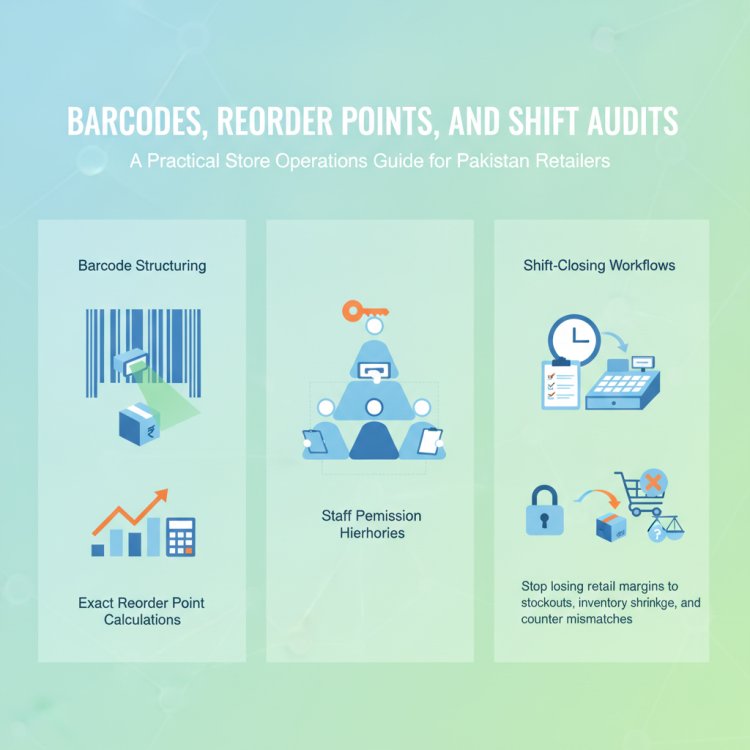
To avoid stockouts or tying up cash in excess inventory, calculate reorder points using your average daily sales and supplier lead time. For example, if you sell 15 units per day and delivery takes 4 days, your basic reorder point is 60 units. Add 10–20% safety stock for unexpected demand or delays ([cloudpos.pk](https://cloudpos.pk/blog/practical-inventory-control-methods-for-pakistani-retailers-how-to-avoid-stockouts-and-overstocks-with-pos-software?utm_source=openai)).
Review these levels monthly—especially for seasonal or fast-moving items—and adjust as needed. Many POS systems can automate these alerts so you know exactly when to reorder ([cloudpos.pk](https://cloudpos.pk/blog/practical-inventory-control-methods-for-pakistani-retailers-how-to-avoid-stockouts-and-overstocks-with-pos-software?utm_source=openai)).
Quick Checklist: Are Your Reorder Points Effective?
- Do you know average daily sales per item?
- Have you calculated supplier lead time?
- Is safety stock included in your reorder point?
- Are reorder levels reviewed regularly?
- Does your POS alert you automatically?
2. Implement Barcode Scanning for Accuracy
Barcodes drastically reduce errors in billing, stock counts, and returns. Assign a unique barcode to each product—your POS can often generate and print these—and train staff to scan items during checkout and inventory audits ([cloudpos.pk](https://cloudpos.pk/blog/practical-inventory-control-methods-for-pakistani-retailers-how-to-avoid-stockouts-and-overstocks-with-pos-software?utm_source=openai)).
For businesses like pharmacies or groceries, consider using expiry-date barcodes or 2D codes that include batch and best‑before data for traceability ([ref.gs1.org](https://ref.gs1.org/guidelines/2d-in-retail/1.0.0/GS1-2DRetailPOS-Guideline-i1.0-r-2024-05-28?utm_source=openai)).
3. Manage Multi‑Branch Stock Transfers Digitally
When you operate multiple locations, manual stock transfers via WhatsApp or spreadsheets lead to errors and confusion. Use a POS system that supports inter‑branch transfer records—creating a “transfer‑out” at one location and “transfer‑in” at another—so both inventories update in real time ([ehisabkitab.com](https://ehisabkitab.com/blog/how-to-manage-multiple-branches-pos?utm_source=openai)).
This ensures accurate stock levels across branches, helps balance inventory, and maintains audit trails for accountability.
4. Set Staff Permissions and End‑of‑Day Controls
Control who can access what. Define roles—cashier, inventory manager, branch manager—with permissions for billing, stock adjustments, and reporting. This reduces mistakes and internal theft risks ([fin-wa.com](https://www.fin-wa.com/products/pos/?utm_source=openai)).
Implement end‑of‑day closing procedures: cash reconciliation, till counts, and sales report review. Ensure each staff member signs off on their shift to maintain accountability.
5. Use Sales Reports to Drive Inventory Decisions
Regularly review sales analytics to identify best‑ and worst‑selling items. Use ABC analysis—classifying items by sales contribution—to prioritize your inventory efforts ([en.wikipedia.org](https://en.wikipedia.org/wiki/Inventory?utm_source=openai)).
Track metrics like turnover rate, dead stock, and branch‑level performance. This helps you make smarter purchasing decisions and optimize stock distribution.
How CloudPOS Helps
CloudPOS is built for Pakistani businesses and supports all the practical methods above—without complexity:
- Real‑time Inventory & Smart Alerts: Set reorder points and get low‑stock notifications based on your actual sales trends.
- Barcode Scanning: Print and scan barcodes for fast, accurate billing and stocktaking.
- Multi‑Store Management: Transfer stock between branches with real‑time updates, and view consolidated or branch‑specific inventory.
- Staff Permissions & Audit Trails: Control access by role and track who did what, when.
- Sales Reports & Analytics: Monitor best‑sellers, branch performance, and inventory health.
- FBR‑Integrated Billing: Stay compliant with Pakistan’s digital invoicing requirements.
- Online & Offline Operation: Billing continues during internet outages, syncing automatically when back online.
Conclusion
Effective inventory control isn’t just about counting stock—it’s about setting reorder points, using barcodes, managing transfers, controlling staff access, and leveraging sales data. These practices help you reduce waste, avoid stockouts, and keep operations smooth across branches.
CloudPOS brings these tools together in one secure, FBR‑compliant platform tailored for Pakistani businesses. Ready to see how it can simplify your inventory and operations? Book a free CloudPOS demo today and take the next step toward smarter, more efficient management.