Features of CloudPOS Setting Module

Manage system preferences, users, analytics, security, and operations in one powerful setting panel. CloudPOS helps you control your entire business configuration faster, smarter, and with complete accuracy from a centralized dashboard.

Trusted by Businesses Worldwide

0 +

Active Screen

0 +

Report Generate

0 +

Warehouses

0 +

Active Business

CloudPOS Settings Features

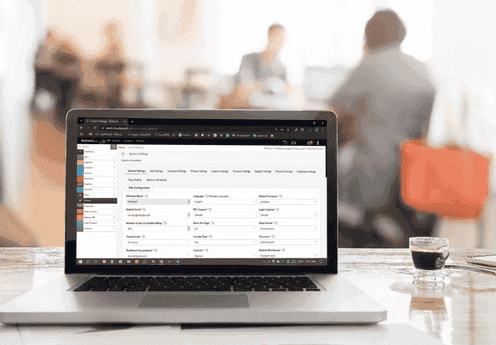
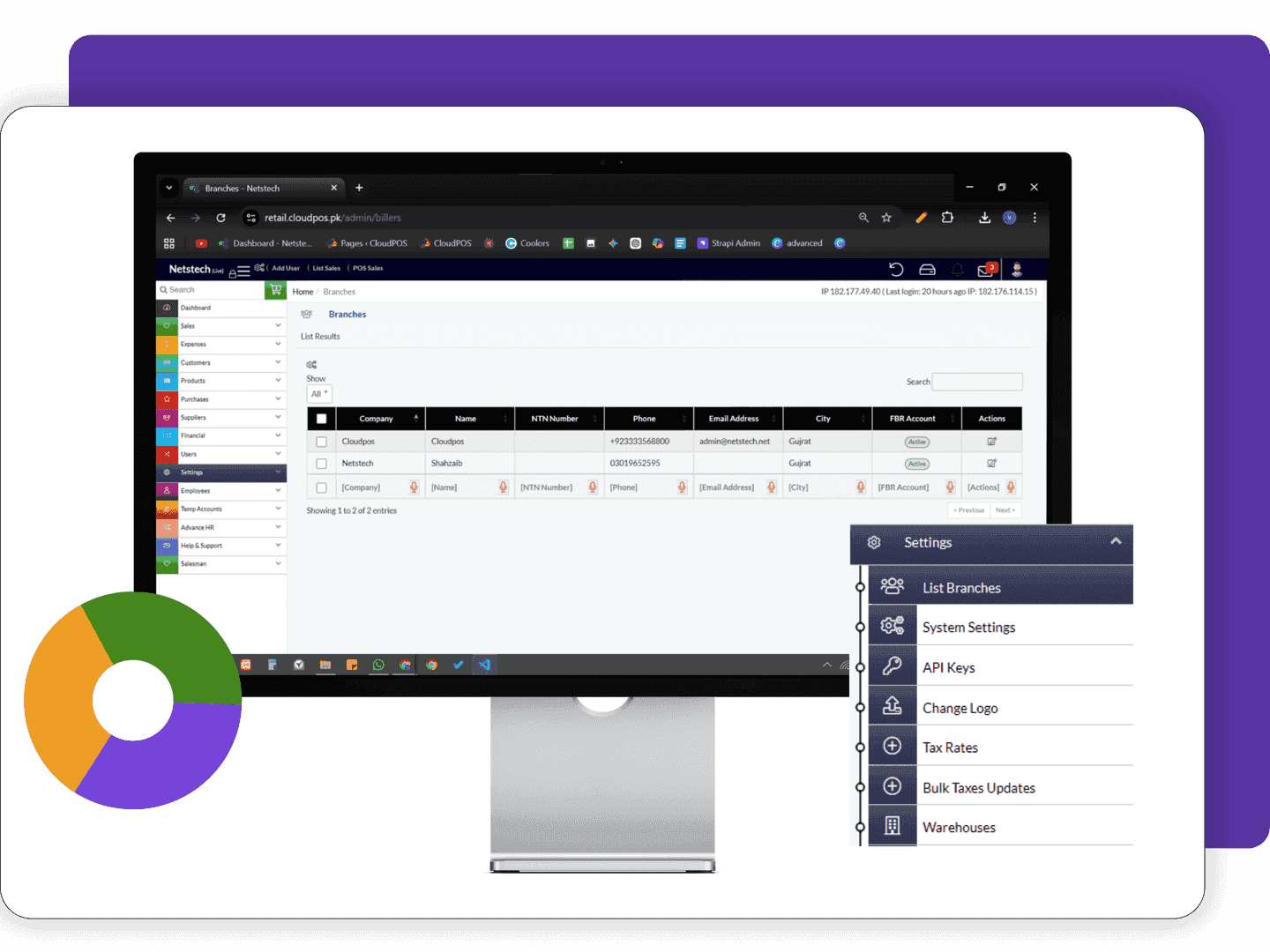
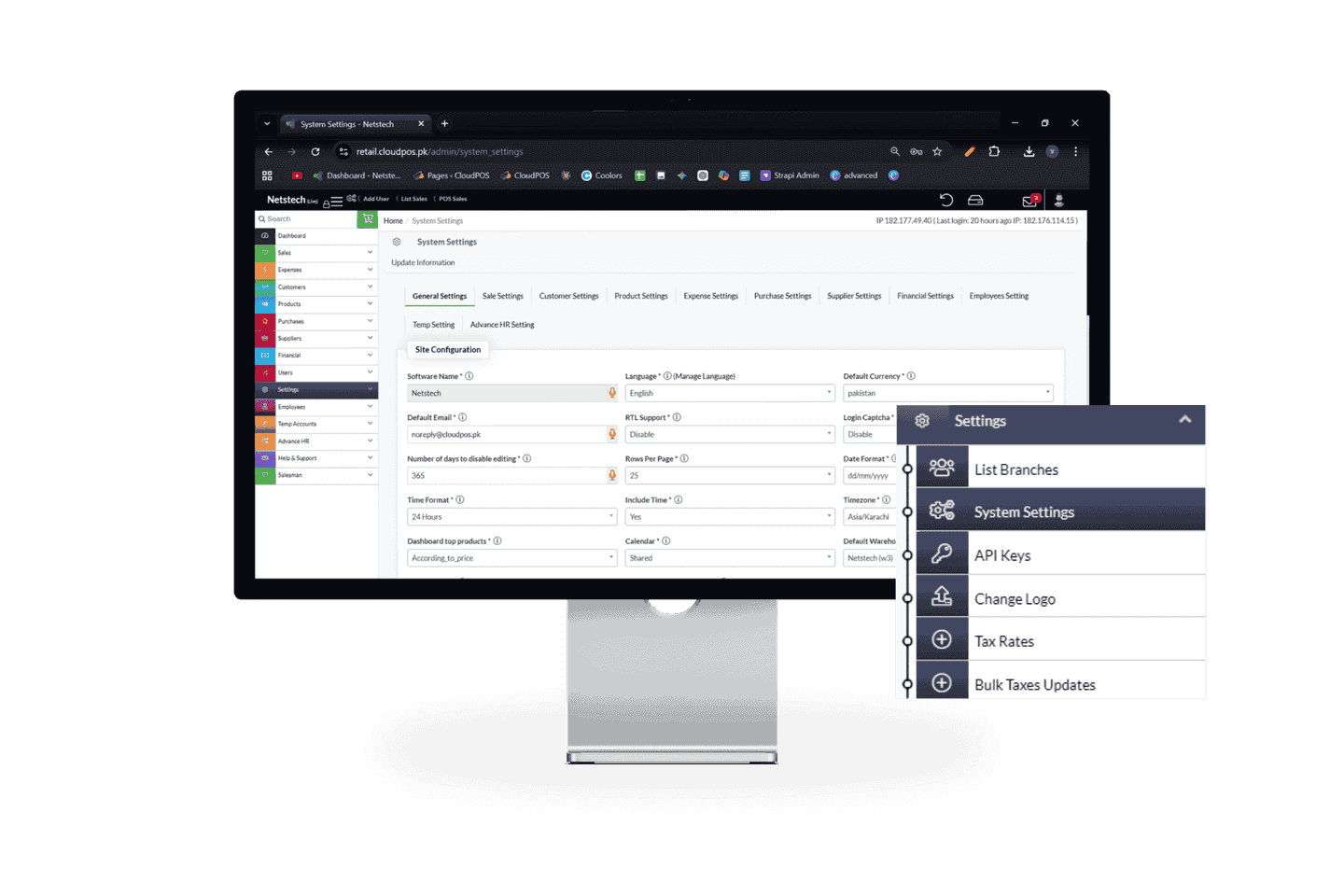
Manage and control your entire business configuration from one powerful Settings Panel. CloudPOS Settings Page gives you full control over system preferences, business data, users, and operational controls in a simple and centralized way.

General Settings

General Settings allow you to customize your CloudPOS system according to your business identity and operational needs.

  • Update business name, logo, and contact details
  • Set system language, currency, and timezon
  • Set system language, currency, and timezone Manage invoice and receipt settings
  • Configure basic system preferences for smooth operations
  • Customize branding elements for consistent business identity
CloudPOS Analytics & Insights for Setting

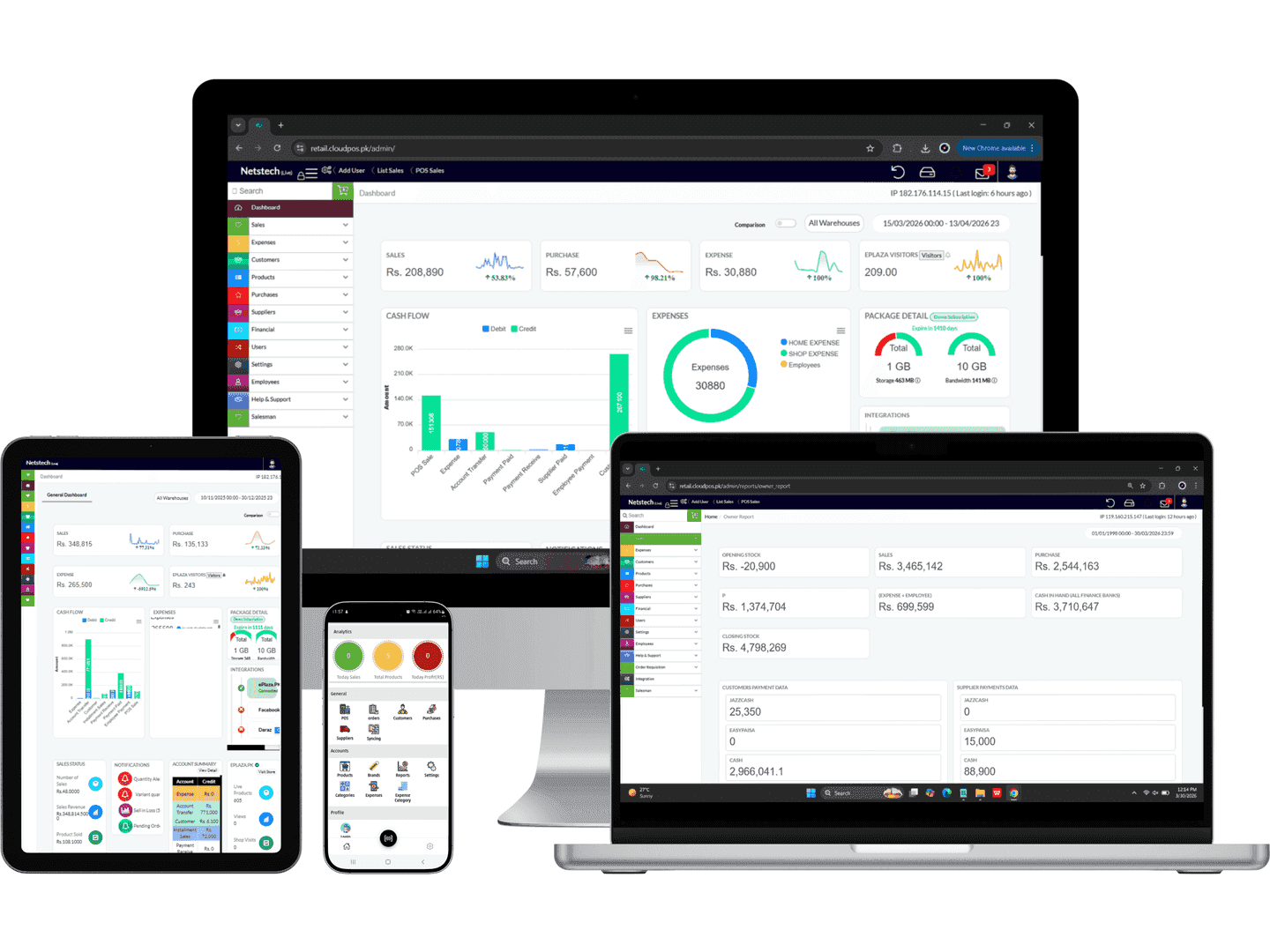
Configure and manage how your business data is tracked, analyzed, and reported. CloudPOS Settings allow you to control analytics, reporting, and alerts to get real-time insights and make smarter business decisions.

Setting module with analytics dashboard for performance insights and system monitoring.

Analytics Dashboard

Analytics Dashboard Settings allow you to control how your business data is displayed. Customize your dashboard to focus on key metrics like sales, inventory, and performance for faster decision-making.

Setting module with custom reporting for personalized insights and data analysis.

Custom Reporting

Custom Reporting Settings help you generate accurate and tailored reports based on your business needs. It gives you full control over how data is filtered, visualized, and exported for better analysis.

Automated alerts system for recovery module notifications and updates.

Automated Alerts

Automated Alerts Settings keep you informed about important business activities in real time. It helps you take quick actions by notifying you about stock issues, orders, and key operational events.

Core Settings Features of CloudPOS

CloudPOS Settings give you complete control over your system configuration, business rules, and operational preferences. Manage how your POS works, customize workflows, and ensure everything runs smoothly with a centralized settings panel.

System Preferences Settings

System Preferences Settings allow you to define how your CloudPOS system operates. It helps you customize workflows and system behavior according to your business needs.

  • Configure system behavior and operational rules
  • Set default values for daily business operations
  • Enable or disable system features as needed
  • Customize workflows for better efficiency
  • Control system-wide preferences from one place
  • Manage default system settings for new users and modules

Notification & Alerts Settings

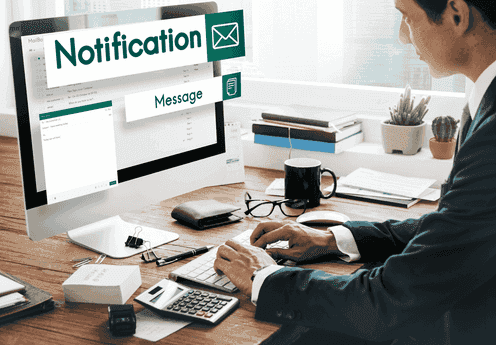
Notification Settings help you stay updated on key business activities by configuring when and how alerts are triggered within your system.

  • Enable or disable system notifications
  • Configure alerts for important activities
  • Set notification priorities and triggers
  • Manage alert frequency and timing
  • Control where alerts are received
  • Customize alert messages for better clarity

Invoice & Receipt Settings

Invoice Settings allow you to design and manage how your bills and receipts are generated, ensuring a professional and consistent customer experience.

  • Customize invoice layout and format
  • Add business logo and details on receipts
  • Set default billing templates
  • Configure print and digital receipt options
  • Control invoice numbering and format
  • Enable custom notes or terms on invoices

Grow Smarter with CloudPOS

Run your business with CloudPOS, a powerful settings management system in Pakistan.

Manage system preferences, users, security, and operations seamlessly from a secure cloud-based platform.

Real-Time Reporting & Analytics for Settings

Configure how your business data is tracked, analyzed, and presented in real time. CloudPOS allows you to manage reporting preferences and analytics settings to gain accurate insights and make smarter decisions.

Smart Integrations That Power Your Business

Connect and manage all your third-party tools directly from CloudPOS Settings. Integrate e-commerce platforms, accounting systems, and essential business tools to streamline workflows, reduce manual tasks, and improve overall system efficiency.
Mobile app Integration
Federal Board of Revenue-Government of Pakistan logo
Call Courier tracking logo
Swyft : Quick delivery sofa and sofa beds logo
Blue Ex logo
TCS Express logo
JazzCash logo
logo of Bank-Alflah
logo of Easypaisa
logo of WooCommerce
logo of Opencart
logo of Shopify
Khyber Pakhtunkhwa Revenue Authority logo
logo of Sindh Revenue Board
logo of Balochistan Revenue Authority
logo of Punjab Revenue Authority

Powerful Benefits of CloudPOS for Setting

CloudPOS Settings provide a centralized and flexible system to control your entire business configuration. From system preferences and user access to integrations and security, manage everything from one smart dashboard accessible anytime, anywhere.

Centralized System Control

Manage all system configurations, user access, integrations, and preferences from one unified settings panel for complete control over your business operations.

Improved Efficiency & Speed

Automate system behaviors, notifications, and workflows through settings to reduce manual effort and improve operational speed.

Better System Configuration

Customize system preferences, rules, and operational settings to match your business needs and ensure smooth performance.

Smart Integration Management

Easily configure and manage integrations with third-party tools directly from settings to streamline workflows and data synchronization.

Real-Time Control & Accuracy

Apply changes instantly across the system with real-time updates, ensuring accurate operations and consistent performance.

Multi-Device Accessibility

Access and manage your system settings anytime, anywhere using desktop, tablet, or mobile for maximum flexibility.

Enhanced System Insights

Use configurable reporting and analytics settings to gain better visibility into system performance and business activities.

User & Access Control

Manage user roles, permissions, and security settings to ensure only authorized access and better data protection.

Frequently Asked Questions About CloudPOS Settings

Get clear answers on how CloudPOS Settings help you manage system configuration, users, security, integrations, and overall business operations from a single centralized dashboard.

CloudPOS Settings allow businesses to control system preferences, user roles, security, notifications, integrations, and operational rules from one centralized dashboard for smooth business management.

Yes, CloudPOS allows you to customize system preferences such as language, currency, tax rules, notifications, and workflow settings according to your business requirements.

You can add, edit, or remove users and assign specific roles and permissions to control access to different modules and ensure secure system usage.

Yes, CloudPOS Settings allow you to enable and customize notifications for important activities like system updates, alerts, and business events in real time.

Yes, you can manage multiple branches, configure branch-level settings, and control operations from a single centralized dashboard.

Yes, CloudPOS provides advanced security settings including password controls, login restrictions, and access permissions to ensure full data protection.

CloudPOS Settings include backup options where you can schedule automatic backups and restore system data whenever needed to ensure data safety.

Ready to Upgrade Your Business with CloudPOS?

Looking for a smarter way to manage your system configuration and business operations? CloudPOS [Settings](https://cloudpos.pk/book-a-demo/
) help you control system preferences, users, security, integrations, and analytics from one smart centralized dashboard for full control, accuracy, and scalable growth.

WhatsApp Us